
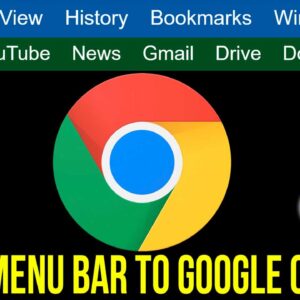
You may have noticed as applications are getting updated that the classic drop down menus are being replaced with toolbars, ribbons and other icons. In many cases, you will need to open… Read More
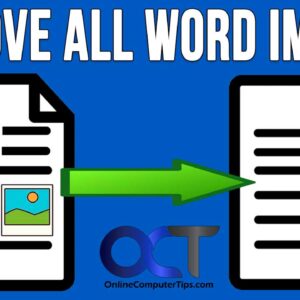
As you probably know, Microsoft Word allows you to place images in your documents so they do not to be only text based. Once you start adding pictures to your documents, you… Read More
Most people these days have one or more email accounts and access them either through an email client such as Microsoft Outlook or the newer Outlook for Windows app. You may also… Read More
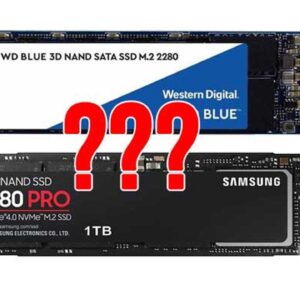
Not too long ago, choosing a hard drive for your computer was a relatively easy task because we didn’t have too many choices and all we really needed to consider was how… Read More
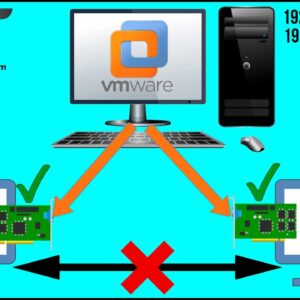
If you in charge of your virtualization platform at work or maybe even use some of the available desktop virtualization software that is available for you to use at home, then you… Read More
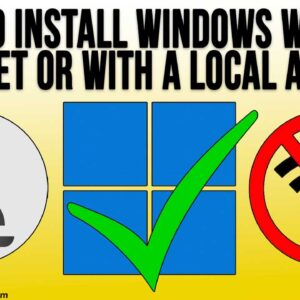
If you have ever installed Windows, you know that Microsoft requires you to use and existing or new Microsoft account to login with during the Windows installation process. But many people would… Read More

Wireless printers have been around for some time now and since many people prefer using Wi-Fi for their devices, it makes sense that you would want to be able to print to… Read More
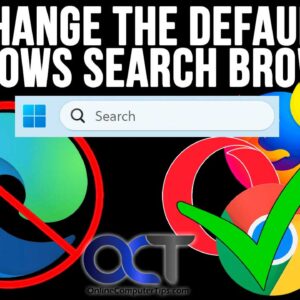
Since Windows was created by Microsoft and includes the Microsoft Edge web browser, it makes sense that Microsoft would want you to use Edge for your default browser and Bing for your… Read More
As you probably (or should) know, backing up your computer is critical to avoid data loss from things such as hardware failures, file corruption and viruses. So if you are not backing… Read More
A company’s website represents its digital storefront and hub, driving brand awareness, customer acquisition, and revenue growth. Often, businesses need to pay more attention to foundational website design best practices, sabotaging outcomes.… Read More