
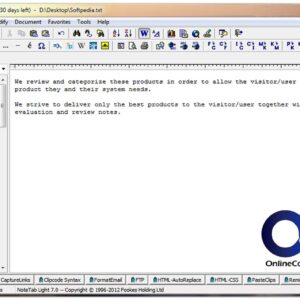
NoteTab is a powerful text and HTML editor. It is much more powerful than the built in Notepad program that comes with Windows that most people use to edit text files. NoteTab… Read More
Many Windows programs offer a listing of recently opened files so that you can re-open a file you recently worked on quickly without having to search for its location all over again.… Read More
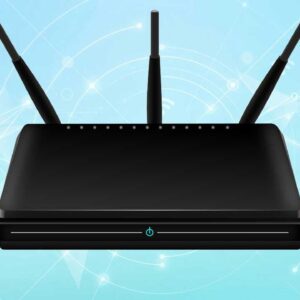
With today’s high-speed internet access, having a secure barrier between your personal computer and the outside world is an absolute necessity. The best way to protect your home network is by installing… Read More

USB (Universal Serial Bus) is a type of cable and port used to connect external peripheral devices to a computer to transfer data as well as power these devices. It uses a… Read More

The Windows Event Viewer is the system’s ‘black box’ recorder. It maintains a detailed log of every significant event on your computer, from software crashes to hardware failures. While it can be… Read More
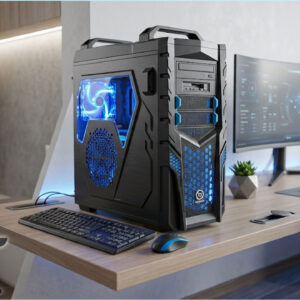
PC gaming is perhaps the most rewarding platform for gamers. Computers tailored specifically for gaming are able to produce stunning visuals and can provide much better graphics than consoles can. However, not… Read More
Since broadband offers instant access to email, work, video chats and online data storage sites, people are becoming increasingly reliant on its presence in their lives. As a result, it can be… Read More
Microsoft changed the look and feel of the entire Office suite with the release of Office 2007. This left many people in the dark when it came to doing their normal tasks… Read More
Ever since the first days of Windows we have clicked on the X in the top right corner of a program to close that program or a file within that program. It… Read More
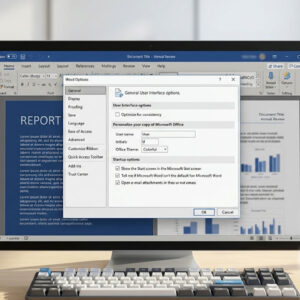
When Microsoft decided to completely revamp the way their Office suite looked it was met with mixed reviews. The new Ribbon interface is supposed to make things easier to find and do… Read More