
Buying a pre-loaded Windows 11 SSD sounds like the ultimate shortcut for a broken computer. You skip the entire installation process and get right back to working or gaming. Many online sellers… Read More
Managing your hard drives in Microsoft Windows is a pretty straightforward process as long as you have some degree of technical skills. Most people will use the built in Disk Management tool… Read More
Cloning your Windows hard drive is a great way to transfer your Windows OS, installed applications, files, user accounts and settings to a new hard drive without having to reinstall everything and… Read More
Managing hard drives in Windows is not something you normally need to do on a regular basis but there are situations where you will need to make changes to your disk to… Read More

Being able to diagnose and repair your ow computer is a valuable skill that many people would be lucky to be able to do. If you are a Microsoft Windows user, then… Read More
Data loss is one of those things that seems to be a part of life, no matter how hard we try to avoid it. Whether it’s on your personal computer or your… Read More
If you have an HP printer at home or at the office, you may have noticed that it will put itself to sleep or even shut itself off to save power. For… Read More

There are many types of hardware components that make up a computer. Without many of these components your computer simply wouldn’t work. Not all computers have all of these items since some… Read More
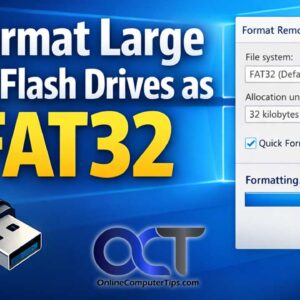
Formatting a drive in Microsoft Windows is the process of preparing its storage by creating a fresh file system, clearing old data structures, and organizing the space so files can be written,… Read More

These days, almost everyone is running an SSD (Solid State) drive in their computer. Most laptops now come with SSD drives exclusively. You only really see older spinning disks as secondary data… Read More