
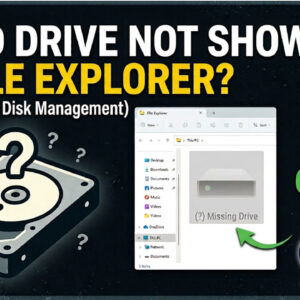
For most Microsoft Windows users, they use the built in File Explorer app to manage the files and folders on their computer. When you open File Explorer and go to This PC,… Read More
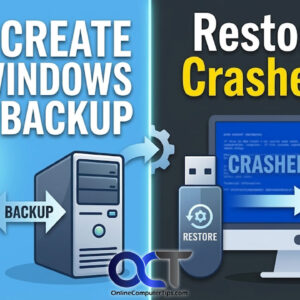
If you have been using Microsoft Windows for any amount of time, you have most likely experienced some type of crash or error that stopped you in your tracks. Many times, you… Read More
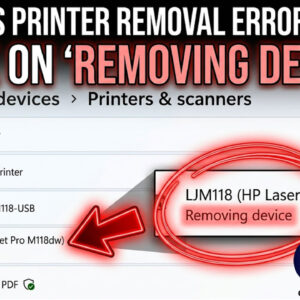
Printing in Windows is nothing new and many people have their own printer at home or at the office. And many people have more than one printer connected to their computer. Adding… Read More
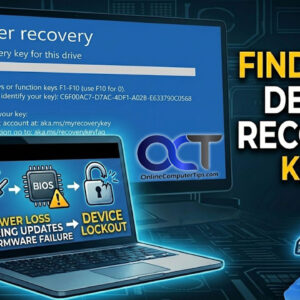
As you probably know, Windows 11 is a more secure operating system that Windows 10 and has some stricter requirements such as having a TPM (Trusted Platform Module), Secure Boot and UEFI… Read More

Windows 11 is more secure than Windows 10 was, which is a good thing for the most part. But with more security comes more potential for those security features to prevent you… Read More
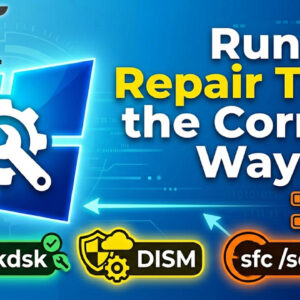
You can ask just about anyone who runs Windows on their PC if they have had some type of issue such as a crash, freeze up or total system failure and they… Read More
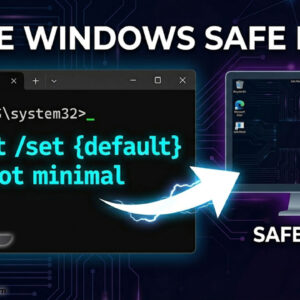
Troubleshooting Windows issues can be a daunting task and most of the time there is not an obvious solution, and you will need to do some online research to find the answer… Read More
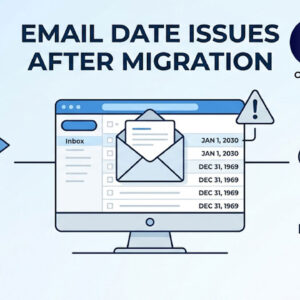
You just moved your company’s email to Microsoft 365 or Google Workspace. Everything looks fine, until someone opens Outlook and notices that every single email from the past five years shows yesterday’s… Read More
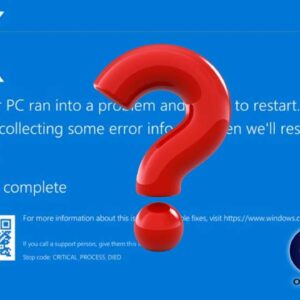
Why does my computer freeze up and crash? A computer freeze or crash is usually the result of a conflict between your hardware and software. While an occasional “hiccup” can happen, frequent… Read More

Computers use sound cards to send sound signals from your computer to your speakers. A sound card is a piece of hardware inside the computer that can be built into the motherboard… Read More