
The Windows desktop is where most people keep their most commonly accessed files, folders and program shortcuts. In fact, some people use it so much that they sometimes fill it up completely!… Read More

One of the easiest ways to create a new files or folder in Windows is to right click where you would like that file or folder to be, choose New and then… Read More
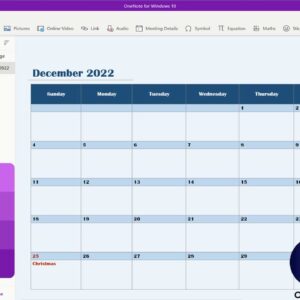
Microsoft OneNote is a handy app you can use to create notebooks on your computer with various sections and tabs to help keep your data organized. You can create a notebook for… Read More

Gmail is one of the most of the most popular email services in use today. It is owned by Google and is one of their many free Google Apps that you can… Read More

If you use Microsoft Word to create documents and frequently copy and paste text from other sources such as websites or other documents, you might have noticed that Word will keep the… Read More
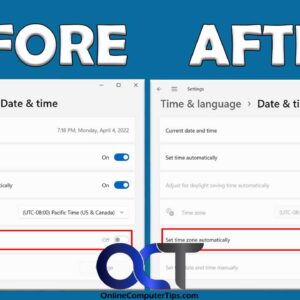
Microsoft Windows uses online time servers to keep the date and time on your computer current and accurate. By default, Windows should be configured to set the time automatically as well as… Read More

With everyone talking about the latest innovations in AI (Artificial Intelligence), it makes sense that it would also be applied to helping you compose or respond to emails. And since Gmail by… Read More

A flash drive is like a helpful tool to keep your everyday files safe. It’s small, light, affordable, and works with lots of computers. A recent study by GlobeNewswire says that the… Read More
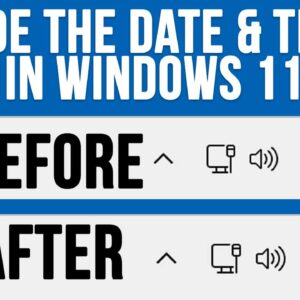
**Update** – You can now hide the date and time in the Windows taskbar simply by turning it off in the Windows settings as shown here. When Windows 11 first came out,… Read More
If you have been using a computer for any amount of time, you have most likely viewed, sent or received a PDF file. Portable Document Format files were created by Adobe and… Read More