
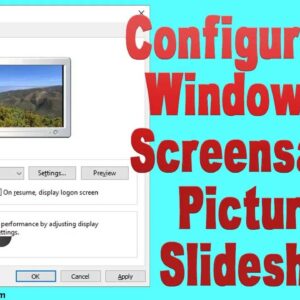
Create your own custom screensaver photo slideshow in Windows Ever since the people started using Microsoft Windows there has been a fascination with using a screensaver to customize your computer and give… Read More
Be proactive and make a Windows password reset disk BEFORE forgetting your password With so many usernames and passwords to remember these days it’s very common for people to forget one or… Read More
Windows as well as almost all other operating systems have some sort of administrator account that has the power to do pretty much anything on the computer that can be done. For… Read More
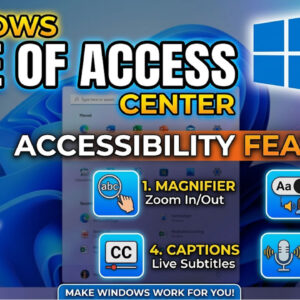
Make your computer easier to use with the Windows Ease of Access features The Ease of Access Center a feature of Windows that lets you turn on and set up accessibility settings… Read More

Will the upcoming ReFS (Resilient File System) replace the aging NTFS file system? As I’m sure you know Microsoft Windows is not the only operating system used on computers but it is… Read More

Avoid having to put in your password when you start your computer All newer versions of Windows require you to have a user account with a password and you must enter that… Read More
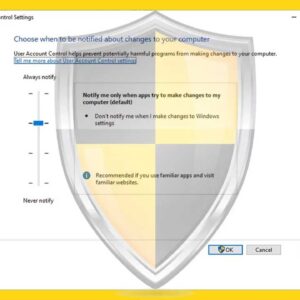
While using your computer you may have noticed that when you try to perform certain actions on your computer that involve changing system settings or installing software you get a popup message… Read More
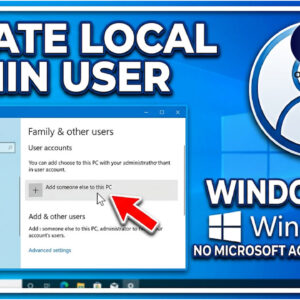
Keep your Windows 10 computer “off the grid” with a local user account Starting with Windows 8 Microsoft has gone the “social media” route when it comes to Windows as if everyone… Read More

Free up that space used by Windows OS upgrades While browsing the files on your computer you might have noticed that you have a folder called Windows.old underneath your Windows folder. Then… Read More
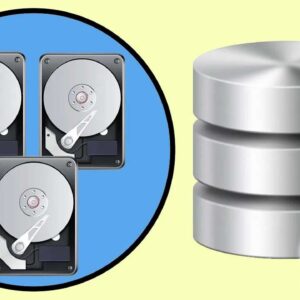
Use Storage Spaces to Create Virtual Disks From Physical Disks Here is a newer article on how to use Storage Spaces on Windows 11. Windows has a feature called Storage Spaces which… Read More