
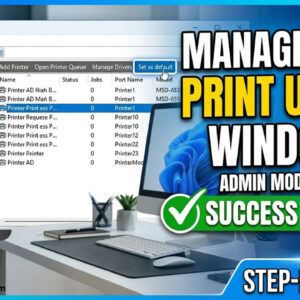
Almost anyone who uses a personal computer most likely has a need to print from time to time and will have at least one printer installed on their computer. If you are… Read More
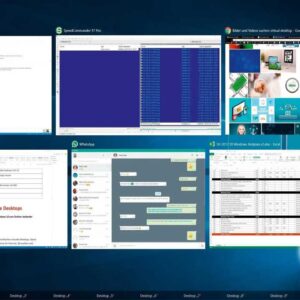
With today’s super multitasking way of life, it’s hard to get by with just one device without feeling like you are missing out on something… like an arm maybe. Many people swap… Read More
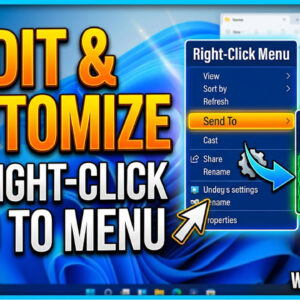
Every Windows user most likely uses their right mouse button for some purpose or another. Maybe you use it to copy and paste some text or delete a file but there are… Read More

Help Windows find what you are looking for The search function in Windows is very useful. Not everyone remembers where a file, photo, video, documents, etc., are stored on their computer.… Read More
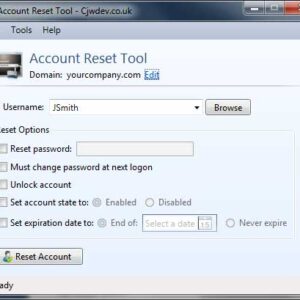
If you work in an environment that has a Microsoft Active Directory Directory domain, you are responsible for daily user account management. You know exactly how often you have to do things… Read More

Check out our top ten Windows 10 features By now many people have upgraded to Windows 10 or have bought a new computer that has Windows 10 installed right out of the… Read More

Do you want Windows to mind it’s own business? Do you hate it when Windows thinks it knows what’s best for you? When you go into File Explorer you might have… Read More
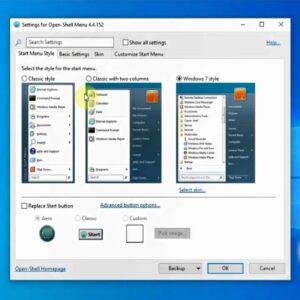
As we are sure you have noticed, Microsoft has been changing the way Windows looks and feels starting with Windows 8 and continuing with Windows 10. They want to have the PC… Read More

Let Windows Teach You Something Modern classrooms expand their capacities using the latest technologies. Indeed, today’s students are creators of tomorrow, and technology is their “native language.” Using various digital tools, learners… Read More
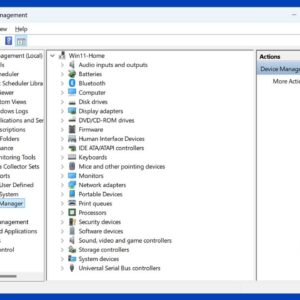
Everyone likes to manage their computer and configure it exactly the way they want it to be. You might not know about all the hidden settings you can manage or even where… Read More