

Configure a Domain Controller Using Installation Media When you have a Microsoft Windows domain its essential to have more than one domain controller for redundancy and load balancing especially in larger environments.… Read More
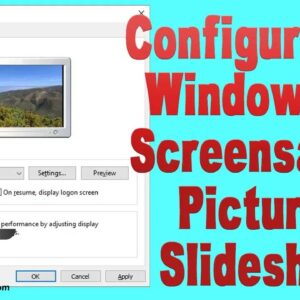
Windows has had built in screensavers since the beginning of Windows and if you have ever played around with them you might have noticed that you can configure a slideshow screensaver that… Read More
Fine tune your Windows searches to easily find the files and folders you are looking for If you use your computer for more than just searching the Internet and checking email then… Read More
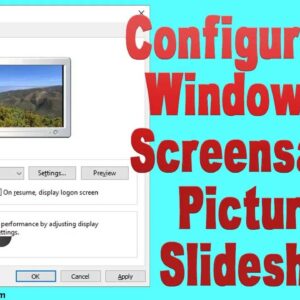
Create your own custom screensaver photo slideshow in Windows Ever since the people started using Microsoft Windows there has been a fascination with using a screensaver to customize your computer and give… Read More
Be proactive and make a Windows password reset disk BEFORE forgetting your password With so many usernames and passwords to remember these days, it is incredibly common for people to forget their… Read More
Windows as well as almost all other operating systems have some sort of administrator account that has the power to do pretty much anything on the computer that can be done. For… Read More
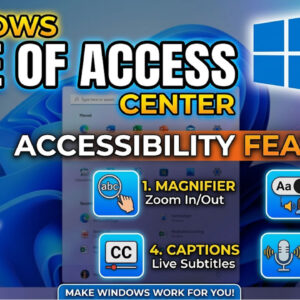
Make your computer easier to use with the Windows Ease of Access features The Ease of Access Center a feature of Windows that lets you turn on and set up accessibility settings… Read More

As I’m sure you know, Microsoft Windows is not the only operating system used on computers. It is the most popular by far compared to UNIX, Linux,, MacOS, and Android. One major… Read More

Avoid having to put in your password when you start your computer All newer versions of Windows require you to have a user account with a password and you must enter that… Read More
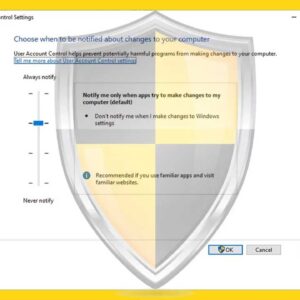
While using your computer you may have noticed that when you try to perform certain actions on your computer that involve changing system settings or installing software you get a popup message… Read More