
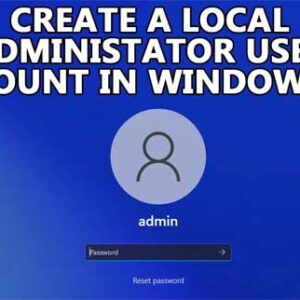
By default, Microsoft wants you to use a Microsoft Account to log into your Windows computer. These Microsoft accounts are used to log into all your devices with one account and password… Read More
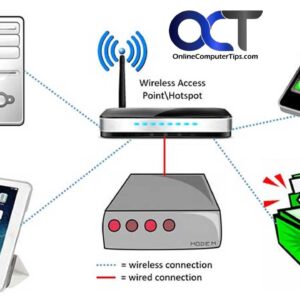
Learn the history of wireless technology and how it works By now everyone knows what Wi-Fi is and uses it on their computer, smartphone or tablet to connect to the internet and… Read More
When working with your Microsoft Word documents, you may find that you have some text or images that you do not want to be shown when printing or sharing on your screen… Read More
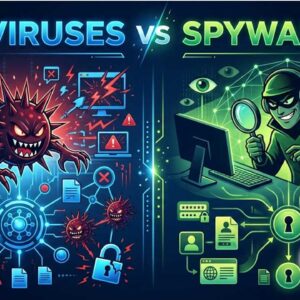
In the vast and intricate landscape of cybersecurity, two common threats that often cause havoc are viruses and spyware. While both fall under the umbrella of malicious software, their functionalities, objectives, and… Read More
You may or may not know that when you create a user account on a computer running Microsoft Windows, that it requires you to use a Microsoft account to do so. Sure,… Read More
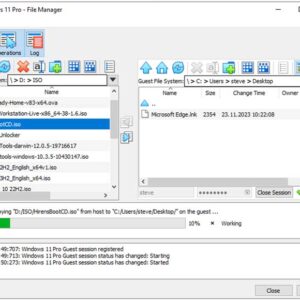
If you use the free Oracle VirtualBox desktop virtualization software, then you know how easy it is to create multiple virtual machines that you can then run simultaneously on your computer. One… Read More
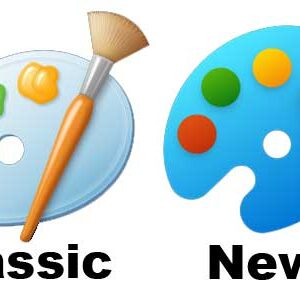
Now that Windows 11 has been out for some time, you probably noticed that Microsoft has been constantly updating their latest operating system with new features and updated versions of old features… Read More
How to Remove the Your Browser is Managed by Your Organization Message in the Google Chrome Settings
Google Chrome is one of the most popular web browsers in use today and has many features that help to keep it on top when it comes to the battle of web… Read More

If you are like most people, you receive more emails that you care to and sometimes its hard to focus on the messages that you care about and filter out the rest.… Read More
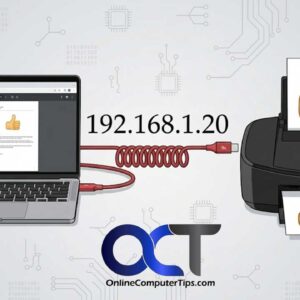
Installing a printer in Windows is usually a fairly simple process. You connect your printer to your computer via a USB cable or to your wireless router with the SSID and password,… Read More