
VirtualBox is Oracle’s free desktop virtualization platform that you can run on your Windows PC and create your own virtual machines for purposes such as testing new operating systems and software etc.… Read More

**Update – If you are running Windows 11 25H2 or higher, there is no longer an Email & accounts section or the Mail app, so you need to do it right from… Read More
I’m sure you may have noticed that with most default Windows installations or when you buy a computer with Windows already installed that there are sound effects for just about everything you… Read More
One of the best things about virtualization software such as VMware, Hyper-V, VirtualBox, Parallels etc. is that you can create virtual machines to test out new operating systems and software without needing… Read More

Find out how much information Microsoft is gathering from you If you are just your average computer user you might not know too much about how so much we do on our… Read More

Anyone who has been using a Windows based computer for some time knows that its possible to change the desktop wallpaper background that is displayed behind your icons on your computer. You… Read More
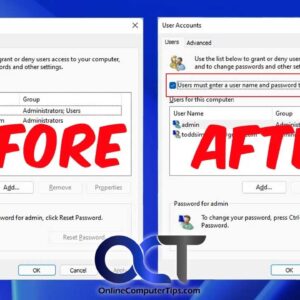
You may have not known this, but Windows will allow you to log into your computer without having to type in your password. Keep in mind that this doesn’t mean you don’t… Read More
You probably know that PDF (Portable Document Format) files are very common these days and are often used because you can open them on almost any device including Windows, Macs and even… Read More
When you are working with certain applications or programs in Windows and save your work, your computer will save your files to various default storage locations depending on what program you are… Read More
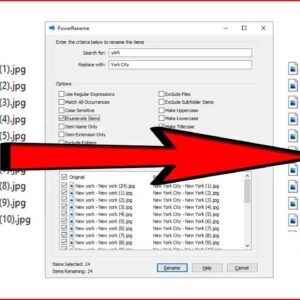
When it comes to Windows file management, there are usually several ways to get the same task done. For example, copying a file from one folder to another or searching for a… Read More