

Zip files are a commonly used file format that most people have had some experience with. They are commonly used to compress files to make them smaller so you can do things… Read More
USB flash drives are still used by many of us to copy files to in order to use these files on a different computer or even for backups. We also use them… Read More

Gmail is one of the most popular web based email clients in use today with millions of Gmail accounts in use around the world. Part of the reason it is so popular… Read More
Thanks to modern wireless and networked printers, we don’t rely on shared USB printers nearly as much as we used to. However, you might have an older, perfectly good printer connected via… Read More
VMware Workstation is one of the most popular desktop virtualization platforms in use today. It can be used on Windows desktop computers along with other virtualization software such as Oracle VirtualBox and… Read More
**NOTE** – If the Page Sizer extension is still not available, you can use the free Chalkline extension to change your page size to a custom size in Google Docs. Google Docs… Read More
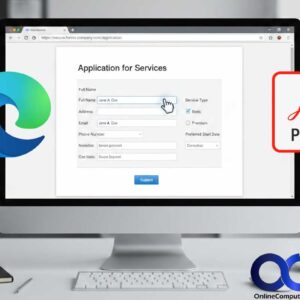
PDF (Portable Document Format) files are used for a variety of documents such as letters and books since they are a widely supported format and can be opened on multiple devices such… Read More
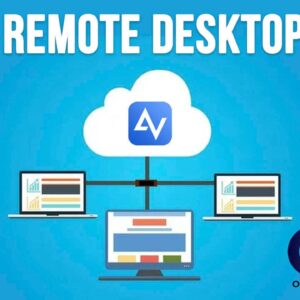
Being able to remotely control computers over the internet or network is an essential task for IT Professionals or even the family go to computer geek who get stuck fixing computer’s everyone… Read More
Do you want to transfer Google Photos to another account when you run out of storage? Do you want to separate a work Google Photos account and a life account? This post… Read More
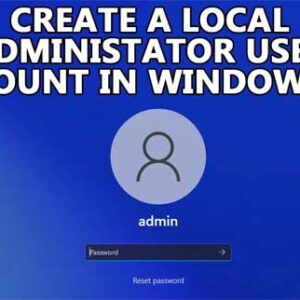
By default, Microsoft wants you to use a Microsoft Account to log into your Windows computer. These Microsoft accounts are used to log into all your devices with one account and password,… Read More