
Overcome the VirtualBox 2TB Virtual Disk Limit! VirtualBox is Oracle’s free virtualization software that you can use on your home computer to create your own virtual machines (VMs) and run multiple computers… Read More

Instantly give your VMs more hard drive space! VirtualBox uses what they call Virtual Disk Images (VDI) as virtual hard drives for storage on their virtual machines and these virtual hard drives… Read More
If you use any type of virtualization software such as VirtualBox, VMware or Hyper-V then you know how often you have to copy files between your host computer and your guest virtual… Read More
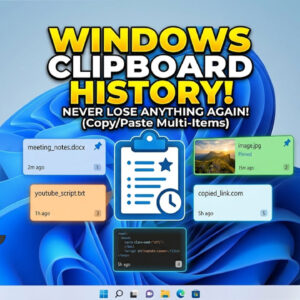
If you are like most people, you like to use the copy and paste feature in Windows to help you get your work done faster and keep your typing time to a… Read More
Microsoft word allows you to place clipart and photographs into your documents to add extra touches to your document or to help get your point across. Images placed into Word documents are… Read More

Microsoft Windows allows you to lock your computer so you can leave all your files and programs open yet still secure it when you are away from your desk. This is much… Read More

Use VirtualBox snapshots to prevent potential disasters If you have been into virtualization for some time then you know how important snapshots can be when it comes to getting you out of… Read More

If you ever have the need to take a screenshot or screen grab from any program you have open in Windows, you can use the Snip & Sketch tool to do so.… Read More
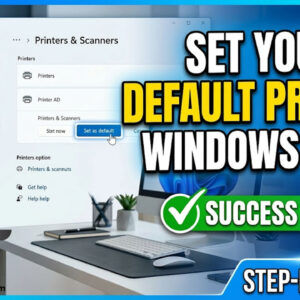
Everyone who has a computer has printed a document or picture at some point and many people have different printers for different kind of printing. For example you may have a laser… Read More
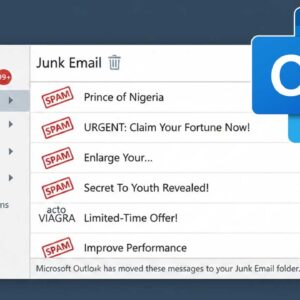
Take control of your Outlook junk mail If you are like most people then you have experienced the wonders of getting countless spam (junk) emails in your inbox. Your email provider might… Read More