

Gmail is one of the most of the most popular email services in use today. It is owned by Google and is one of their many free Google Apps that you can… Read More

If you use Microsoft Word to create documents and frequently copy and paste text from other sources such as websites or other documents, you might have noticed that Word will keep the… Read More
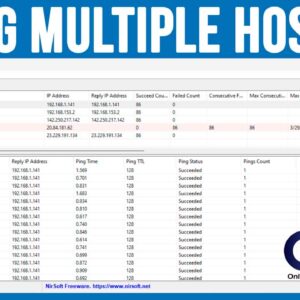
If you are a network administrator or even have your own network of computers, printers and other devices at home, it makes sense that you need a way to be able to… Read More

When it comes to surfing the web, there are many web browsers to choose from and each one has their own unique set of features that are designed to enhance your online… Read More
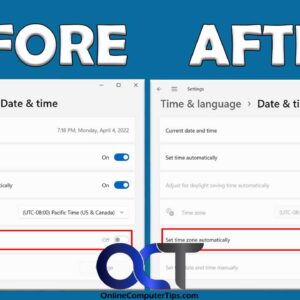
Microsoft Windows uses online time servers to keep the date and time on your computer current and accurate. By default, Windows should be configured to set the time automatically as well as… Read More
Windows 10 has been around for some time and is one of the best versions of Windows that Microsoft has released. Windows 11 has been out for several years now, and many… Read More

One of the most valuable resources you have on your computer that you always seem to run out of is RAM (Random Access Memory). RAM is used to temporarily store open files… Read More

With everyone talking about the latest innovations in AI (Artificial Intelligence), it makes sense that it would also be applied to helping you compose or respond to emails. And since Gmail by… Read More
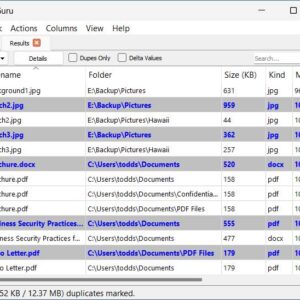
Being able to properly manage your files and folders on your Windows PC is an essential skill to have to be a proficient computer user. One issue you may find yourself with… Read More

Whether you check your email using a web based service such as Gmail or if you use a desktop email client such as Microsoft Outlook, eM Client or Mailbird, one thing will… Read More