
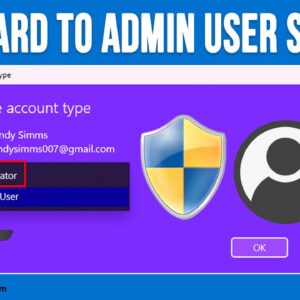
In order to be able to perform any task on your Windows computer, you will need to either log in with an account that has administrator access or know the credentials to… Read More

You may have noticed as applications are getting updated that the classic drop down menus are being replaced with toolbars, ribbons and other icons. In many cases, you will need to open… Read More

As you probably know, Microsoft Word allows you to place images in your documents so they do not to be only text based. Once you start adding pictures to your documents, you… Read More

Most people these days have one or more email accounts and access them either through an email client such as Microsoft Outlook or the newer Outlook for Windows app. You may also… Read More
If you have ever installed Windows, you know that Microsoft requires you to use and existing or new Microsoft account to login with during the Windows installation process. But many people would… Read More
Since Windows was created by Microsoft and includes the Microsoft Edge web browser, it makes sense that Microsoft would want you to use Edge for your default browser and Bing for your… Read More
As you probably (or should) know, backing up your computer is critical to avoid data loss from things such as hardware failures, file corruption and viruses. So if you are not backing… Read More
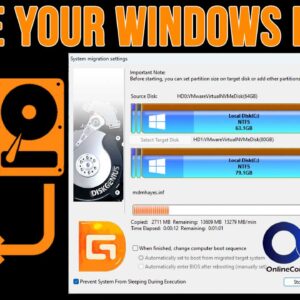
As you probably know, we use hard drives in computers to store our files, install our programs on and also to run our operating system (Windows, Linux, macOS etc.). But sometimes we… Read More
If you do any type of Windows system administration or desktop support work, then you have most likely had the need to make a remote connection to another computer on the network.… Read More

Gmail is one of the most popular email services in use around the world. It’s provided by Google and is one of their many free Google Apps that you use on your… Read More