

Microsoft Windows has a built in feature that will allow you to speak into your microphone and have your voice transcribed into text and then placed within whichever document or app you… Read More
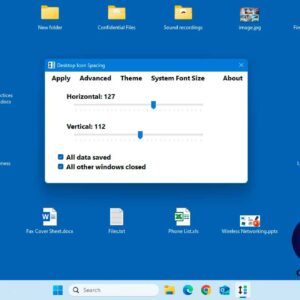
Many people use the Windows desktop to store the files they work on the most rather than using the default Documents folder. It is also a common place to keep shortcuts to… Read More

When you are working with files such as documents, spreadsheets, photos, videos and so on, they are loaded into your computer’s memory (RAM) as you work on them. Then when you close… Read More

Computers can be used for many different tasks such as checking email, creating documents, browsing the internet, editing photos, and even writing code that can be used for even more apps. And… Read More

There are many email services available these days with most of them being free to use. Of course, one of the most if not the most popular is Google’s Gmail email platform.… Read More

The Volume Serial Number (VSN) for your hard drive is a unique identifier assigned to a disk volume when it is formatted. It is used primarily for system identification and management purposes.… Read More

As you probably know, Microsoft Word is the most popular word processing application in use today and you most likely have it installed on your home computer via Microsoft Office or at… Read More
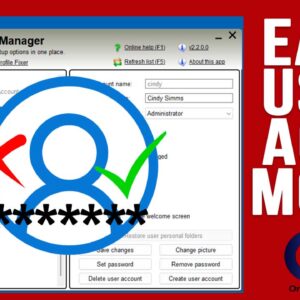
When it comes to managing Windows user accounts, there are several ways to go about it. You can use the Windows settings app, open the User Accounts tool in Control Panel, run… Read More

If you have been using Windows 11 for some time, you have probably noticed how its much harder to customize things such as the taskbar and start menu compared to how it… Read More

When it comes to troubleshooting computer problems, sometimes it can be very difficult because you won’t always get a specific error message that tells you the problem or gives you an error… Read More