
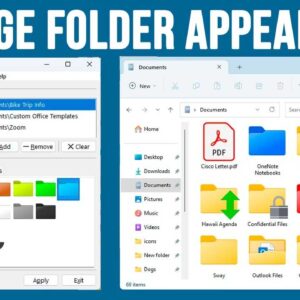
As you probably know, Windows keeps your files into folders that can also contain subfolders. By using folders, you can keep your computer organized by placing files of certain types in their… Read More
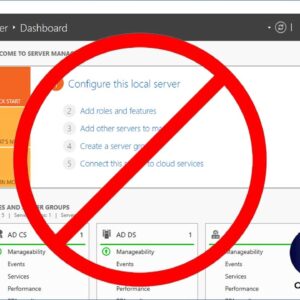
If you are running a Windows Server at your workplace or even at home I’m sure you have noticed that the Server Manager console starts up every time you boot your server.… Read More
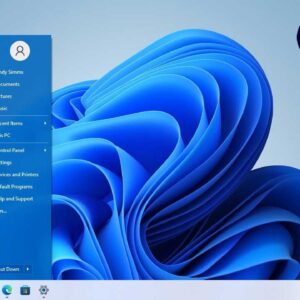
Now that Windows 11 has been out for some time, people are starting to take note of all the things they either like or don’t like about Microsoft’s latest operating system. One… Read More
Go Shopping For Apps at the Microsoft Store Starting with Windows 8, Microsoft decided they wanted to have their operating system be more standardized between desktop computers and tablets. So they decided… Read More
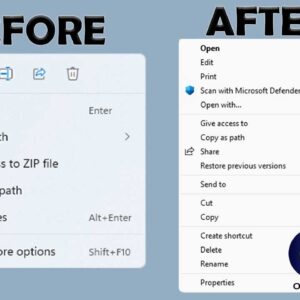
If you have been using Windows 10 for some time and then made the switch to Windows 11, you might have noticed that there are several things that are different when it… Read More
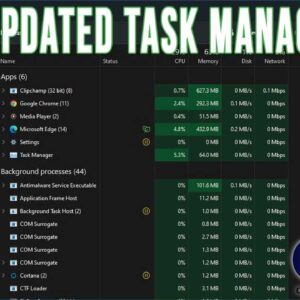
If you are a Windows power user, then you have most likely used the Task Manager tool to view running programs and processes as well as end them when they are misbehaving… Read More
As Windows progresses with newer versions, Microsoft tends to add and remove features as they see fit in an effort to keep things fresh. But for many Windows power users, these changes… Read More
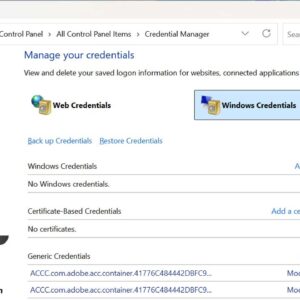
Credential Manager is a feature that comes with Windows Vista and up that stores credentials for your various user accounts all in one place. These can be user names and passwords that… Read More
When Windows 11 was released that meant many of us were digging into all of the new features to see what was really “new and improved” about this latest Windows upgrade. And… Read More
Most people enjoy working with applications that fill the entire screen because it makes everything easier to see and helps reduce distractions. When a program is already running you can simply click… Read More