
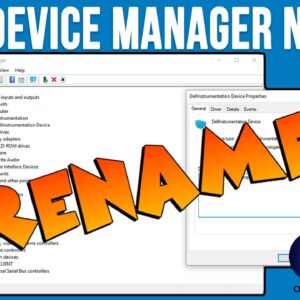
If you are the type who likes to troubleshoot their own computer problems then I’m sure you have used Device Manager at some point to check for hardware errors, revert drivers, update… Read More

If you are an Instagram user and have a lot of photos, videos, messages, comments and so on then you might want to make a backup of all your data in case… Read More
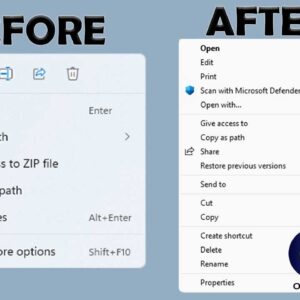
If you have been using Windows 10 for some time and then made the switch to Windows 11, you might have noticed that there are several things that are different when it… Read More

If you use the Microsoft Edge web browser and download files from websites, then you might have noticed that Edge just downloads them to your Downloads folder and doesn’t even ask you… Read More
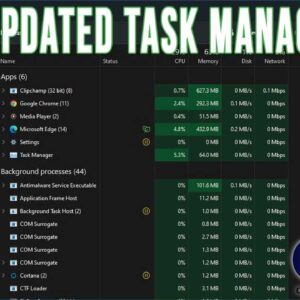
If you are a Windows power user, then you have most likely used the Task Manager tool to view running programs and processes as well as end them when they are misbehaving… Read More
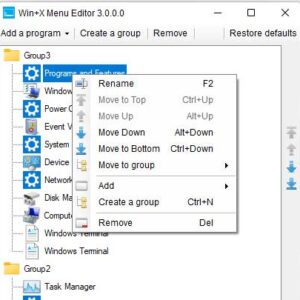
If you consider yourself a Windows power user, then you probably know about many of the not so obvious features that are included in Windows that allow you to perform the same… Read More
Have you ever tried to close a program or delete a file only to be told that it can’t be done because a file is in use? Many programs or processes put… Read More

If you are a Google Chrome user and like to look for other versions of pictures you find on websites, then you have most likely used the right click “Search Google for… Read More

Don’t you hate it when you take that perfect picture of someone and it gets ruined by the dreaded red eye showing up in the picture? This can be caused by the… Read More
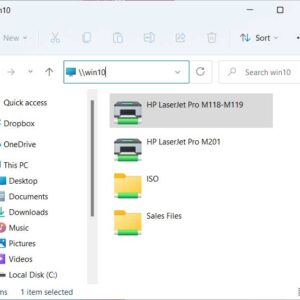
If you have multiple computers on a network, then it makes sense that you would want to share your printers between them rather than have each computer require its own printer. Many… Read More