
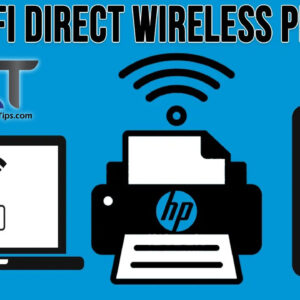
Wireless printers have been around for some time now and since many people prefer using Wi-Fi for their devices, it makes sense that you would want to be able to print to… Read More
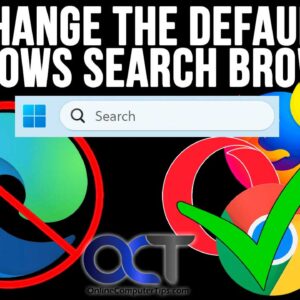
By default, Microsoft forces all taskbar searches to open in the Edge browser using the Bing search engine, even if you have already set Google Chrome or Firefox as your default browser.… Read More
As you probably (or should) know, backing up your computer is critical to avoid data loss from things such as hardware failures, file corruption and viruses. So if you are not backing… Read More
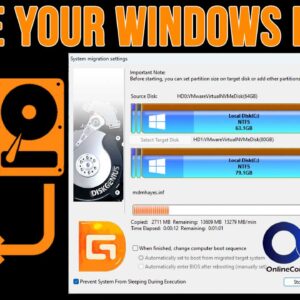
As you probably know, we use hard drives in computers to store our files, install our programs on and also to run our operating system (Windows, Linux, macOS etc.). But sometimes we… Read More
If you do any type of Windows system administration or desktop support work, then you have most likely had the need to make a remote connection to another computer on the network.… Read More

Gmail is one of the most popular email services in use around the world. It’s provided by Google and is one of their many free Google Apps that you use on your… Read More
Most of use have a printer or two attached to our computer at the home or at the office and there are many ways to connect to our computer. Many printers these… Read More
If you are not a fan of the Windows 11 taskbar like many of us are, you are probably looking for ways to make it behave or look like Windows 10. For… Read More
VirtualBox is a free virtualization platform that you can use on Windows and Linux desktops to run virtual machines (VMs). When running these virtual machines, they will use the resources on the… Read More

As you probably know, file corruption is not something that anyone wants to experience, especially when it comes to your important data. And with the large number of files most people keep… Read More