
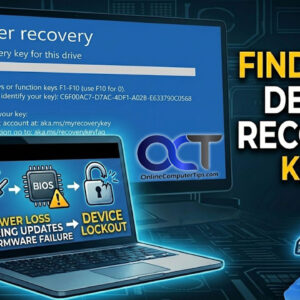
As you probably know, Windows 11 is a more secure operating system that Windows 10 and has some stricter requirements such as having a TPM (Trusted Platform Module), Secure Boot and UEFI… Read More
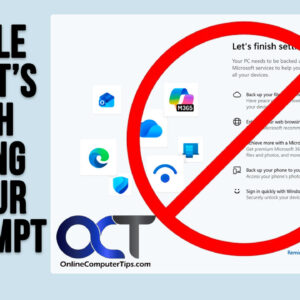
Since Microsoft is constantly updating Windows 11 and adding new features (and taking way old ones like WordPad for example), you may have noticed that you are getting prompted to answer questions… Read More
If you have an HP printer at home or at the office, you may have noticed that it will put itself to sleep or even shut itself off to save power. For… Read More
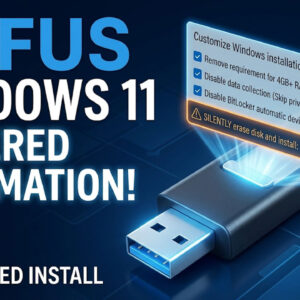
When it comes to creating bootable flash drives to do things such as install operating systems such as Windows or Linux or even make flash drives for system recovery tools such as… Read More
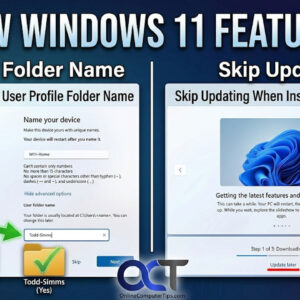
As you probably know, Microsoft is always updating Windows 11 to add new features to keep it up to date and to also keep it secure. Windows 10 was supposed to be… Read More

Windows 11 is more secure than Windows 10 was, which is a good thing for the most part. But with more security comes more potential for those security features to prevent you… Read More
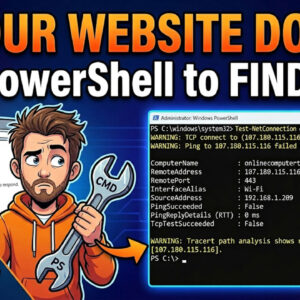
Running your own website is a lot of work on its own. But if you have problems with your site and are not the most tech savvy when it comes to networking,… Read More
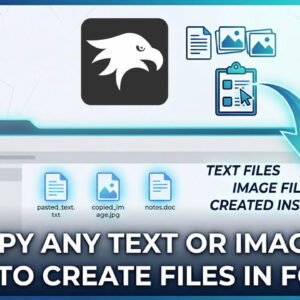
Copying and pasting text, images and files in Windows is one of the most common tasks people perform while using their computer on a daily basis. There are several ways to copy… Read More

Since everyone has a video camera in their pocket (aka smartphone), it seems like we always have way more pictures and videos than we have time to watch them. When it comes… Read More
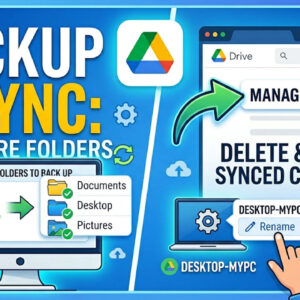
Many computer users find themselves frustrated by the idea that cloud storage requires a complete overhaul of their filing system. If you have spent years organizing your documents into specific folders on… Read More