
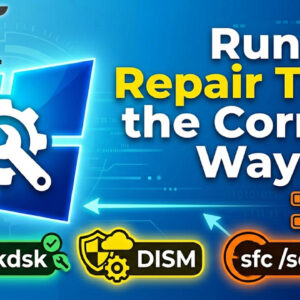
You can ask just about anyone who runs Windows on their PC if they have had some type of issue such as a crash, freeze up or total system failure and they… Read More
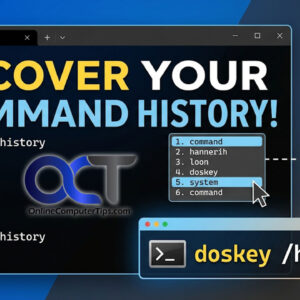
If you’ve ever found yourself deep in a Windows Command Prompt session, you know the frustration of typing out a long, complex string of characters only to realize you need to run… Read More
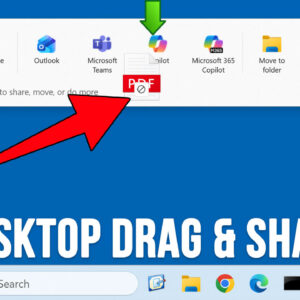
Microsoft is always coming out with new features for their Windows 11 operating system to try and keep things fresh and updated. Many of these features are helpful while at the same… Read More
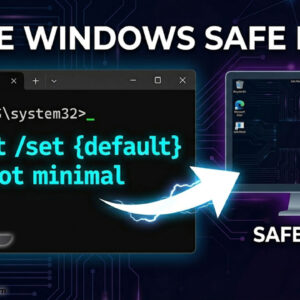
Troubleshooting Windows issues can be a daunting task and most of the time there is not an obvious solution, and you will need to do some online research to find the answer… Read More

Backing up your computer is one of the most important file management tasks you should be performing on a regular basis. There are many backup applications you can use to do this… Read More

If you have been working in the field of IT even for a short period of time I am sure you have heard the term virtualization and most likely know what it… Read More

Think of Windows System Restore as a “time machine” for your PC’s system files and registry. If a new driver, a Windows update, or a software installation causes your computer to crash… Read More
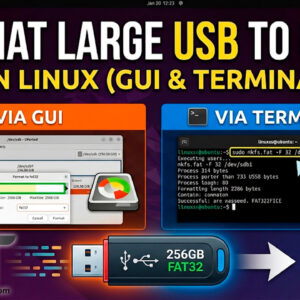
FAT32 (File Allocation Table 32‑bit) is a file system commonly used on flash drives, microSD cards, external drives and very old computers. It can be used on Windows, macOS, Linux, game consoles,… Read More

Moving data between your physical computer (Host) and your virtual machine (Guest) is essential for a productive workflow. Whether you need to copy a complex command from a website into a terminal… Read More
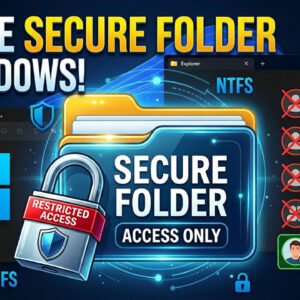
Sharing a single computer with family members or coworkers is common, but it usually comes with a major privacy concern: you do not want everyone else reading your personal files. By default,… Read More