
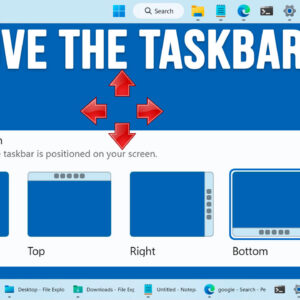
One of the biggest complaints when it comes to Windows 11 is the lack of customization compared to Windows 10, especially when it comes to the taskbar and Start Menu. Microsoft is… Read More
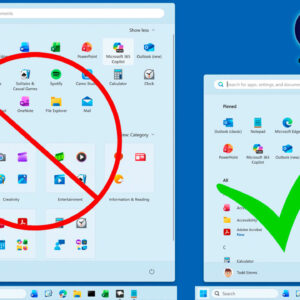
If you have been using Windows 11 for just about any length of time, you have probably noticed how the interface and even the available apps have changed through the years. Many… Read More
Most people like to personalize their computer to some degree to make it more “their own” to give it that custom look. Sure, you can do things such as add custom Windows… Read More
Since many of us use our personal computers daily at home or at the office, it makes sense that we would want them running at their best and not bogging us down.… Read More
When it comes to devices such as your computer or smartphone, digital security is one of the most important factors to consider. Keeping your personal information and data safe is an ongoing… Read More
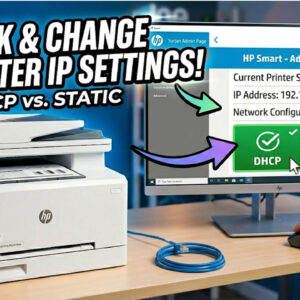
When it comes to connecting your printer to your computer, there are several ways to go about it. You can use connection methods such as USB, wireless, Ethernet and even a direct… Read More
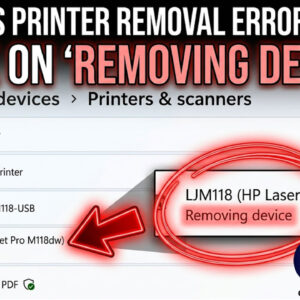
Printing in Windows is nothing new and many people have their own printer at home or at the office. And many people have more than one printer connected to their computer. Adding… Read More
Data loss is one of those things that seems to be a part of life, no matter how hard we try to avoid it. Whether it’s on your personal computer or your… Read More
Computer virtualization has been around for many years and it’s very common for people to use desktop virtualization apps on their home PCs such as VMware Workstation, VirtualBox and Hyper-V for Windows… Read More
If you happen not to be the fastest typist or maybe you do not like to even type at all, you can use your microphone to speak into your computer and have… Read More