

If you are like most people, you receive more emails that you care to and sometimes its hard to focus on the messages that you care about and filter out the rest.… Read More
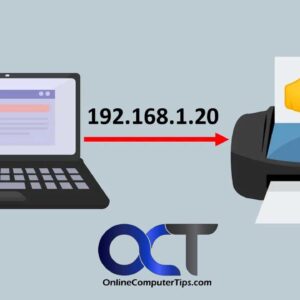
Installing a printer in Windows is usually a fairly simple process. You connect your printer to your computer via a USB cable or to your wireless router with the SSID and password,… Read More

One of the easiest ways to create a new files or folder in Windows is to right click where you would like that file or folder to be, choose New and then… Read More
In the constant web browser battles between Microsoft Edge, Google Chrome and Mozilla Firefox, each one is constantly coming out with new features to try and gain the competitive edge on the… Read More
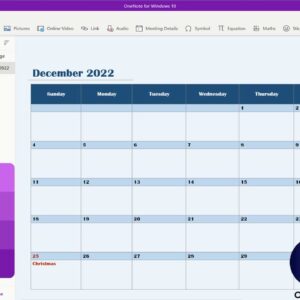
Microsoft OneNote is a handy app you can use to create notebooks on your computer with various sections and tabs to help keep your data organized. You can create a notebook for… Read More

Gmail is one of the most of the most popular email services in use today. It is owned by Google and is one of their many free Google Apps that you can… Read More

If you use Microsoft Word to create documents and frequently copy and paste text from other sources such as websites or other documents, you might have noticed that Word will keep the… Read More
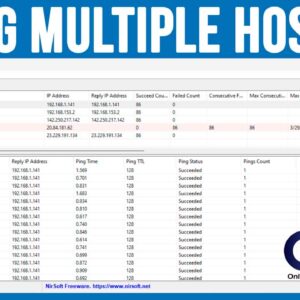
If you are a network administrator or even have your own network of computers, printers and other devices at home, it makes sense that you need a way to be able to… Read More

When it comes to surfing the web, there are many web browsers to choose from and each one has their own unique set of features that are designed to enhance your online… Read More
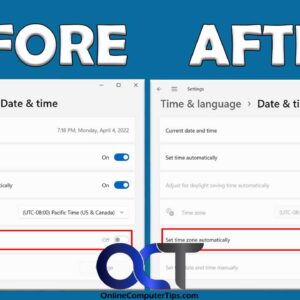
Microsoft Windows uses online time servers to keep the date and time on your computer current and accurate. By default, Windows should be configured to set the time automatically as well as… Read More