

Use your computer as your phone! When Windows 10 was released, Microsoft was set on making it their best operating system ever by packing in so many features that the average… Read More
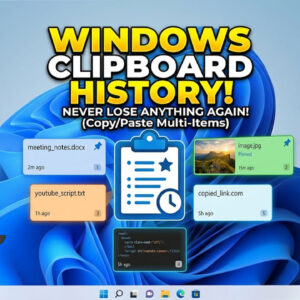
Yes there is a way to save multiple copied items on the clipboard! If you are like most people, you like to use the copy and paste feature in Windows to help… Read More
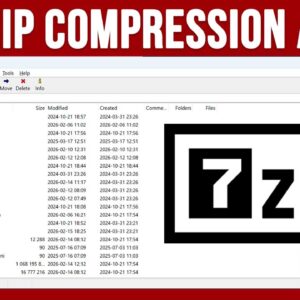
Ask any computer power user and they will tell you how handy it is to be able to compress or zip multiple files into a single file or archive for doing things… Read More

Escaping the eye of your employer was never this difficult, sneaking out of your chamber for a cup of coffee or a smoke has always been a challenge, and you may go… Read More
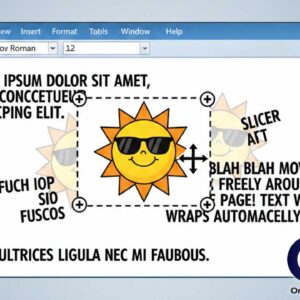
Microsoft word allows you to place clipart and photographs into your documents to add extra touches to your document or to help get your point across. Images placed into Word documents are… Read More

Keep Zoom and Google in sync with each other If you are working from home or taking classes from home then you have most likely used the Zoom online meeting and video… Read More

Everyone who has a computer has printed a document or picture at some point and many people have different printers for different kind of printing. For example you may have a laser… Read More
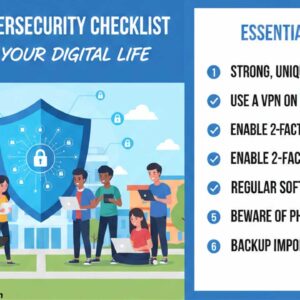
Keep your computer safe while you are in school Protecting your computer information is essential, especially in college. There are many hackers out there who wouldn’t have to do much to get… Read More
Office has some new security features built in that are supposed to keep your computer safe from malicious Office documents that you may open on your computer. One of these security features… Read More
Take control of your Outlook junk mail If you are like most people then you have experienced the wonders of getting countless spam (junk) emails in your inbox. Your email provider might… Read More