
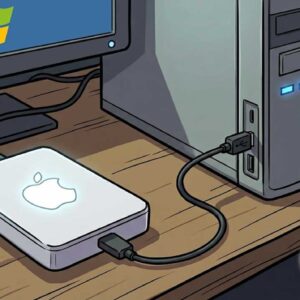
Read Macintosh HFS Formatted Disks in Windows with HFSExplorer As I’m sure you know, there are Windows people and there are Mac people. And what do you get when you mix the… Read More

Are your kids safe online? The reality of modern life is that parents need to be able to track their child’s online and social activities. The best way to keep your… Read More

Connect to your HP wireless printer wirelessly With everything being wireless these days it only makes sense that we should be able to print wirelessly as well. Back in the old days… Read More

Tweak your security settings in the Windows Defender Security Center We all know (or should know) how important it is to have antivirus software on our computer to help protect us from… Read More
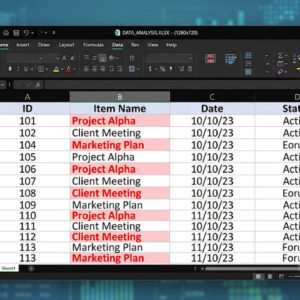
Managing large spreadsheets is difficult enough without worrying about hidden duplicates skewing your totals and analysis. Manually reviewing thousands of rows is inefficient and prone to human error. Fortunately, Excel provides built-in… Read More

Photoshop Elements is the “easier to use” version of Adobe Photoshop Professional or Creative Cloud (CC) as its known. Photoshop Elements doesn’t have all the power features as the professional version does… Read More

Give the gift of security this season! The holiday season is coming and it means only one thing – we all get to do a lot of shopping and traveling in… Read More

Many software vendors including Microsoft have shortcut keys that allow you quick access to certain tasks from just a few keystrokes rather than having to take your hand off the keyboard and… Read More
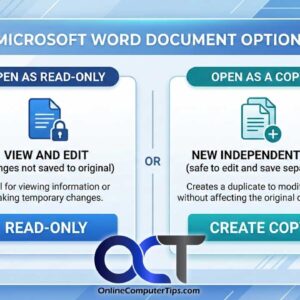
As you may know, in Windows you can copy files from one location to another, giving you multiple copies of the same file. There can be many reasons to do this such… Read More

Let Windows help you with your typing duties Ever since Microsoft decided that they were going to make way Windows worked on desktop computers be almost identical to mobile devices, you… Read More