
As you probably know, you can install Windows without a license key and run it, and most things will work except for things such as personalization options, and you will also have… Read More
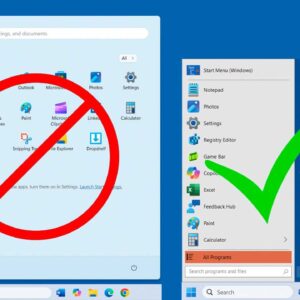
As Microsoft releases new versions of Windows, they usually change the way the user interface looks to justify calling it “updated”. But many times, these changes are not what users want to… Read More
As you probably know, Windows comes with a default folder called Pictures that is used to store your photos. You do not have to use the Pictures folder for your photos, but… Read More
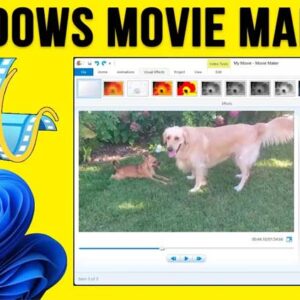
With everyone having a video camera in their pockets (aka a smartphone), it makes sense that many people now consider themselves amateur video producers and photo editors. Some people like to edit… Read More
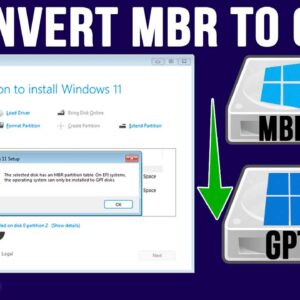
If you have finally decided to take the plunge and switch from Windows 10 to Windows 11, you need to first make sure your computer is ready to run Windows 11. Microsoft… Read More

As more and more of our lives are being stored on things such as our computers and smartphones, it makes sense that you would want to make sure that your data is… Read More
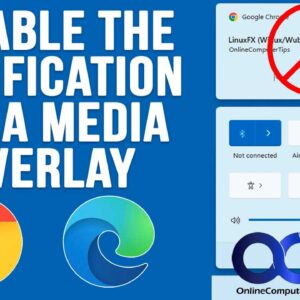
You may have noticed that Microsoft is always making changes to their operating system. If you are still on Windows 10, then things have remained the same for some time. But if… Read More
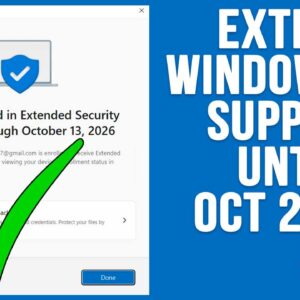
**Update – If you want to see the status of the ESU availability on your computer, check out this video. And if you want a quick way to enroll your computer in… Read More
Whether you have built your own PC or bought one from the store with Windows preinstalled, one of the first things people like to do is customize their desktop wallpaper. Even though… Read More
If you consider yourself a Windows power user, then you are most likely used to tweaking the way Windows functions and even how it looks. Depending on your version of Windows, you… Read More