
Update, here is an easier method to save your File Explorer searches you may want to check out. Searching for files and folders has never been as easy as it should be… Read More

PowerShell is a command-line shell and scripting language created by Microsoft, used to automate tasks and manage system settings across Windows, macOS, and Linux. It’s popular among IT professionals and system administrators… Read More

If you transitioned from Windows 10 to Windows 11, you’ve probably noticed a significant shift in the overall design and functionality. Many familiar features have been altered or removed, and several built-in… Read More
If you were previously running Windows 10 and have “upgraded” to Windows 11, you have most likely noticed many changes when it comes to how Windows looks and also how many of… Read More

Windows 11 receives updates on a regular basis and some of these updates will be for security patches or driver updates and then others will be major build updates which are also… Read More

As you probably know, Windows 10 reached its official end of support lifecycle for standard security updates after October 2025. Microsoft introduced the Extended Security Update (ESU) Program to give PC owners continued… Read More

With Windows 10 support ending soon, you do have the option to enroll your computer in the Extended Security Updates (ESU) program to have it supported until October 2026. But if you… Read More

If you are still running Windows 10 and have not upgraded to Windows 11 yet, you may not be aware of how it is much more difficult tweaking or customizing things like… Read More
How to Find Your Windows Product Key If you need to move your Windows license to a new computer or recover a product key from a dead hard drive, you first need… Read More
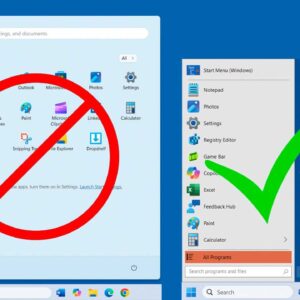
As Microsoft releases new versions of Windows, they usually change the way the user interface looks to justify calling it “updated”. But many times, these changes are not what users want to… Read More