

Find out how much information Microsoft is gathering from you If you are just your average computer user you might not know too much about how so much we do on our… Read More

Anyone who has been using a Windows based computer for some time knows that its possible to change the desktop wallpaper background that is displayed behind your icons on your computer. You… Read More
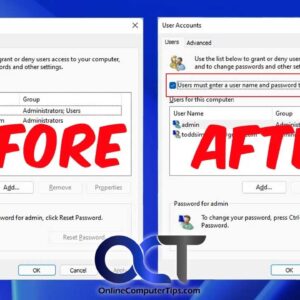
You may have not known this, but Windows will allow you to log into your computer without having to type in your password. Keep in mind that this doesn’t mean you don’t… Read More

When you are working with certain applications or programs in Windows and save your work, your computer will save your files to various default storage locations depending on what program you are… Read More
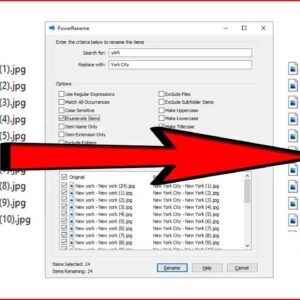
When it comes to Windows file management, there are usually several ways to get the same task done. For example, copying a file from one folder to another or searching for a… Read More

In order to use a computer that is running the Microsoft Windows 11 operating system, you will need to have a user account that consists of a username and a password. When… Read More

We all store files of various types on our computers such as pictures, documents, music files and so on. Plus the software and apps we have installed on our computers have their… Read More

The tabbed browsing feature in web browsers has been around for many years and is one of the best inventions in the history of web browsers themselves. Tabbed browsing allows you to… Read More
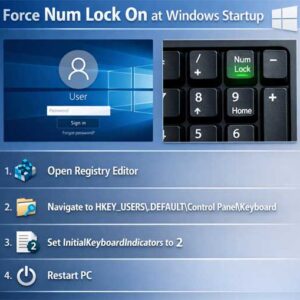
The number keypad is the set of numbered keys one the right side of the keyboard. Most laptops won’t have these keys unless it’s a larger format laptop with room for them.… Read More

Most of us leave our computers running 24 hours a day without giving it a second thought. When we do that, things can start to slow down thanks to your memory (RAM)… Read More