
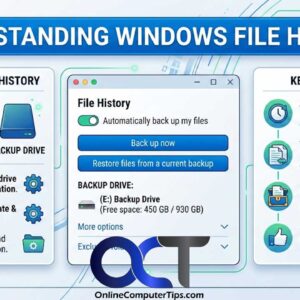
If you are like many people you do not make it a point to do regular backups of your files or your computer itself. It may be a case of it being… Read More
With all this talk of “the cloud” in the past several years, there is always someone offering a cloud service to make your life easier. People tend to love or hate cloud… Read More

Let Windows help you with your typing duties Ever since Microsoft decided that they were going to make way Windows worked on desktop computers be almost identical to mobile devices, you… Read More

Use your computer as your phone! When Windows 10 was released, Microsoft was set on making it their best operating system ever by packing in so many features that the average… Read More
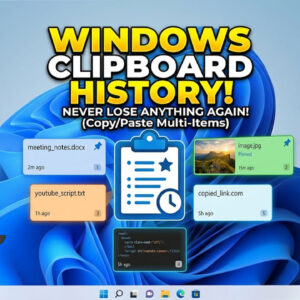
If you are like most people, you like to use the copy and paste feature in Windows to help you get your work done faster and keep your typing time to a… Read More
Microsoft Windows allows you to lock your computer so you can leave all your files and programs open yet still secure it when you are away from your desk. This is much… Read More

If you ever have the need to take a screenshot or screen grab from any program you have open in Windows, you can use the Snip & Sketch tool to do so.… Read More
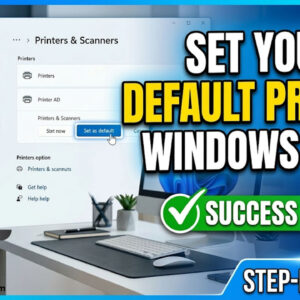
Everyone who has a computer has printed a document or picture at some point and many people have different printers for different kind of printing. For example you may have a laser… Read More
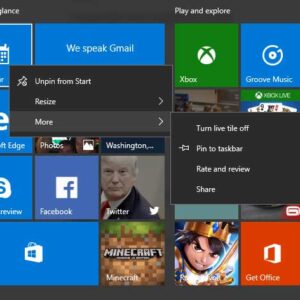
So you finally got around to upgrading to Windows 10 or got yourself a new computer that had Windows 10 preinstalled. So you boot it up and decide to click on the… Read More
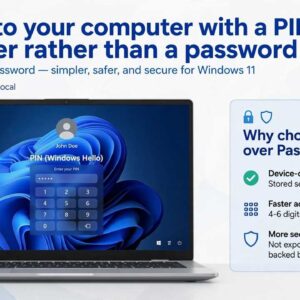
An update Microsoft has been heralding for Windows 10 and Windows 11 is the passwordless sign-in experience. Here, you will not be able to use a traditional password for your device. This… Read More