
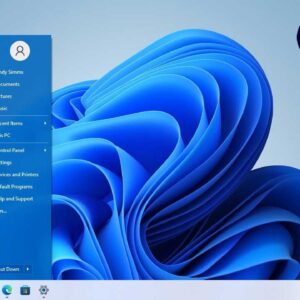
Now that Windows 11 has been out for some time, people are starting to take note of all the things they either like or don’t like about Microsoft’s latest operating system. One… Read More
Starting with Windows 8, Microsoft decided to standardize their operating system between desktop computers and tablets. They started releasing apps that run on both PCs and mobile devices to unify the ecosystem.… Read More
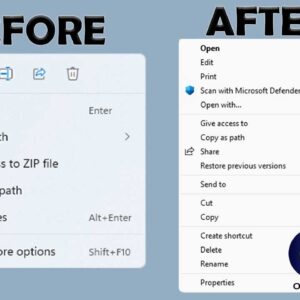
If you have been using Windows 10 for some time and then made the switch to Windows 11, you might have noticed that there are several things that are different when it… Read More
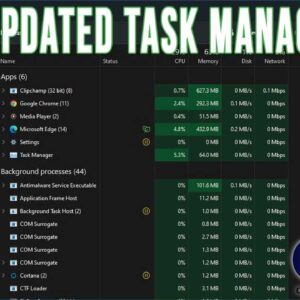
If you are a Windows power user, then you have most likely used the Task Manager tool to view running programs and processes as well as end them when they are misbehaving… Read More
As Windows progresses with newer versions, Microsoft tends to add and remove features in an effort to keep the operating system feeling fresh and modern. However, for many long-time Windows power users,… Read More
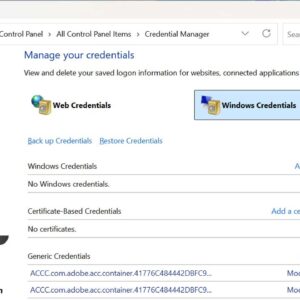
Credential Manager is a built-in feature that comes with modern operating systems like Windows 10 and Windows 11. It stores the private credentials for your various user accounts all in one secure… Read More
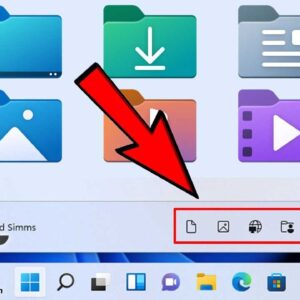
One nice feature that Microsoft added to Windows 11 is the ability to add commonly accessed folders and other items right to the Start Menu so you don’t need to have a… Read More
Most people enjoy working with applications that fill the entire screen because it makes everything easier to see and helps reduce distractions. When a program is already running you can simply click… Read More

**Update – If you are running Windows 11 25H2 or higher, there is no longer an Email & accounts section or the Mail app, so you need to do it right from… Read More
I’m sure you may have noticed that with most default Windows installations or when you buy a computer with Windows already installed that there are sound effects for just about everything you… Read More