
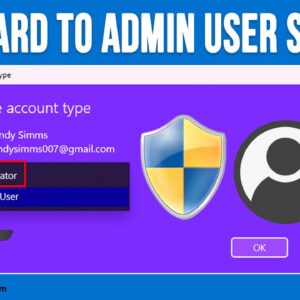
In order to be able to perform any task on your Windows computer, you will need to either log in with an account that has administrator access or know the credentials to… Read More
If you have ever installed Windows, you know that Microsoft requires you to use and existing or new Microsoft account to login with during the Windows installation process. But many people would… Read More
By default, Microsoft forces all taskbar searches to open in the Edge browser using the Bing search engine, even if you have already set Google Chrome or Firefox as your default browser.… Read More
As you probably (or should) know, backing up your computer is critical to avoid data loss from things such as hardware failures, file corruption and viruses. So if you are not backing… Read More
If you are not a fan of the Windows 11 taskbar like many of us are, you are probably looking for ways to make it behave or look like Windows 10. For… Read More

If you are currently using the Windows Mail and Calendar app that comes built into Windows, then be prepared to switch over to the new Outlook for Windows Email app that will… Read More
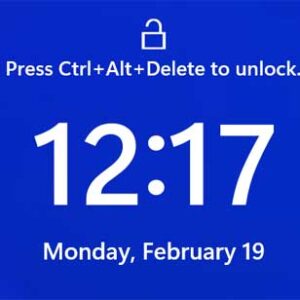
If you have a Windows based computer at the office, you most likely have realized that you need to press the Ctrl-Alt-Del keyboard combination to get to the password box where you… Read More

We all know how Microsoft likes to change things around, especially when they come out with a new version of Windows. Even though many of the apps from the previous version of… Read More
For those of us who still have music CDs and MP3 players, the Windows 11 Media Player app still has the ability to rip music CDs and convert them to various file… Read More

Most Windows users love customizing their desktop background. Instead of staring at a solid color or the default Windows logo, people generally prefer high-quality photos. Some people even like to use animated… Read More