
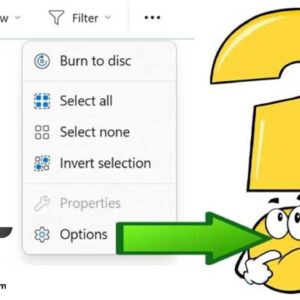
Folder Options (now known as File Explorer Options) allows you to customize how your files and folders appear. From showing hidden files to changing how search works, power users rely on these… Read More
Think of Windows System Restore as a “time machine” for your PC’s system files and registry. If a new driver, a Windows update, or a software installation causes your computer to crash… Read More
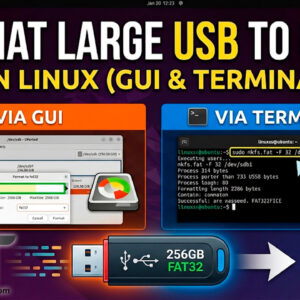
FAT32 (File Allocation Table 32‑bit) is a file system commonly used on flash drives, microSD cards, external drives and very old computers. It can be used on Windows, macOS, Linux, game consoles,… Read More
Just because something is new doesn’t always mean it’s better than the older version, especially when it comes to software. Plus there may come a time when you get some new software… Read More
Moving data between your physical computer (Host) and your virtual machine (Guest) is essential for a productive workflow. Whether you need to copy a complex command from a website into a terminal… Read More
Create a private secured folder that only you can access Sharing a single computer with family members or coworkers is common, but it usually comes with a major privacy concern: you do… Read More
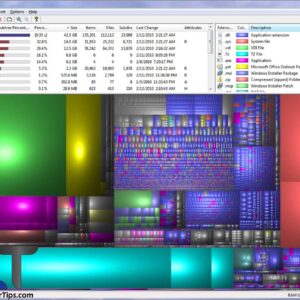
Find out what is filling up your hard drive Have you ever wondered what kinds of files were taking up all the space on your hard drive or where all these space… Read More
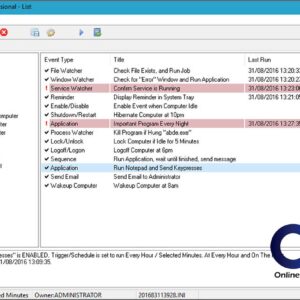
While the native Windows Task Scheduler has improved over the years, many IT professionals still find its interface overly complex and its reliability inconsistent for specific tasks like running batch files or… Read More

Video conferencing has become part of enterprise communication. Businesses use it to reduce their costs related to travel and improve employee productivity. According to Remote’s website, 87 percent of remote workers felt… Read More

There are many types of hardware components that make up a computer. Without many of these components your computer simply wouldn’t work. Not all computers have all of these items since some… Read More