
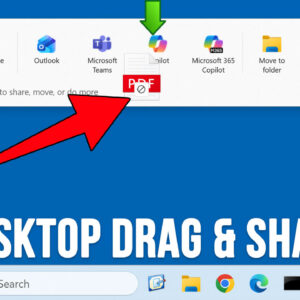
Microsoft is always coming out with new features for their Windows 11 operating system to try and keep things fresh and updated. Many of these features are helpful while at the same… Read More
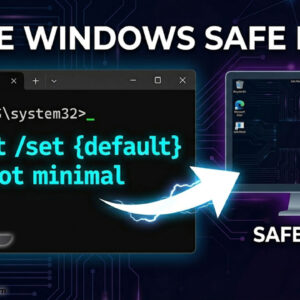
Troubleshooting Windows issues can be a daunting task and most of the time there is not an obvious solution, and you will need to do some online research to find the answer… Read More

Backing up your computer is one of the most important file management tasks you should be performing on a regular basis. There are many backup applications you can use to do this… Read More
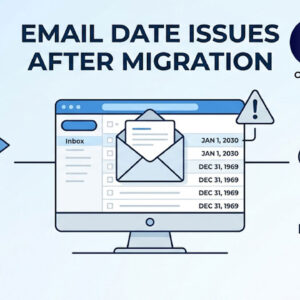
You just moved your company’s email to Microsoft 365 or Google Workspace. Everything looks fine, until someone opens Outlook and notices that every single email from the past five years shows yesterday’s… Read More
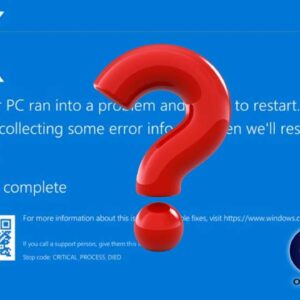
Why does my computer freeze up and crash? A computer freeze or crash is usually the result of a conflict between your hardware and software. While an occasional “hiccup” can happen, frequent… Read More

Computers use sound cards to send sound signals from your computer to your speakers. A sound card is a piece of hardware inside the computer that can be built into the motherboard… Read More

Finding a reliable internet connection is no longer a luxury. It’s essential for work, entertainment, communication and daily life. For many users, however, persistent issues like slow speeds, dropped connections and unresponsive… Read More
If you have been working in the field of IT even for a short period of time I am sure you have heard the term virtualization and most likely know what it… Read More
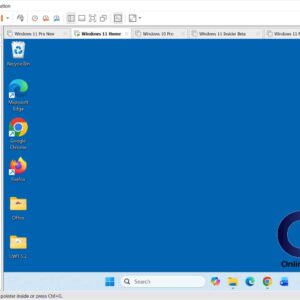
VMware Workstation works by mapping the physical hardware resources to the virtual machine’s resources using the virtualization layer. By doing this, the virtual machines have their own CPU, memory (RAM), disks, and… Read More

Windows Resource Monitor is a tool to help you see your system resources are and find out what processes and services are using them. The resources are monitored in real time; making… Read More