
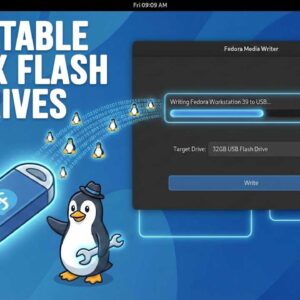
Installing your own operating system is a fairly common practice these days. Whether you are installing Windows 11 or one of the many Linux distributions, the process is pretty much the same… Read More
Virtualization is a great way to do things such as try out new operating systems, test out software, or even test Windows updates before applying them to your “real” computer and so… Read More
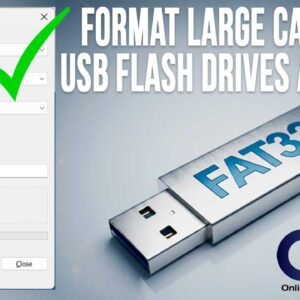
Formatting a USB drive should be a simple task, but Windows 11 adds an unexpected twist when it comes to the FAT32 file system. If you plug in a 64GB, 128GB, or… Read More
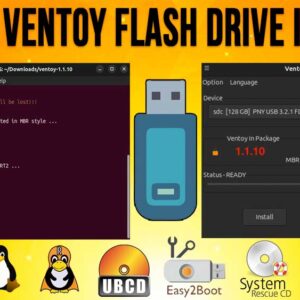
Creating bootable USB flash drives to do things such as install operating systems, load system repair and disk cloning tools is becoming a more common practice these days. In order to install… Read More
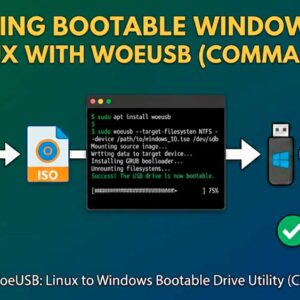
Installing your own operating system is a very common thing to do these days, especially for Windows and Linux users. Let’s say you got some type of malware or system corruption and… Read More

You may have heard the term hub, switch or router when someone was talking about their work or home network. You may be wondering which the correct device for your network is… Read More

When it comes to web search engines, Google has become the most widely used search engine in the world. Many web surfer’s users prefer Google and their many free apps for a… Read More

As you probably know, in order to use a computer running Microsoft Windows, you will need to log in with some type of a user account. Microsoft prefers that you use a… Read More

The practice of installing Microsoft Windows on your own computer is fairly common these days. Many people like to do it themselves to “freshen up” their computer or if it crashes so… Read More
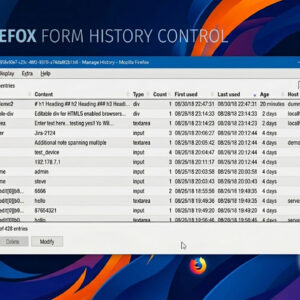
While modern browsers like Firefox and the Chromium-based Microsoft Edge offer robust performance, many power users prefer Firefox for its commitment to privacy and its expansive library of extensions. One of the… Read More