
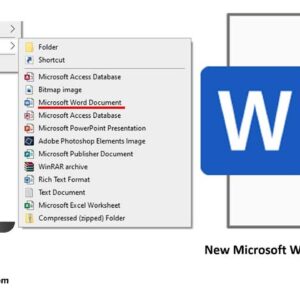
Get your right click > New choice for Word back where it belongs! If you are a power Windows user, you most likely know how you can right click on your desktop… Read More
Microsoft uses default open and save options for its Office programs just like they use default fonts and styles for their Office documents. For most people this is ok and they will… Read More
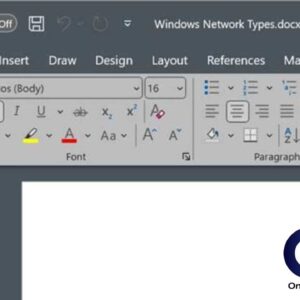
Everyone likes to customize their computer with things such as changing their desktop background or adding a theme to Windows itself. But how about customizing the look of your programs? That may… Read More
Get your valuable lost Outlook emails back! So it happened, all your emails in MS Outlook stopped opening without any chance to understand what is going on. Maybe it is some virus… Read More
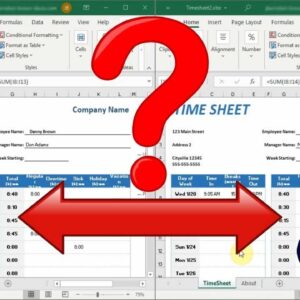
Easily compare the differences between 2 spreadsheets If you work with a lot of Microsoft Excel spreadsheets, you might run into a situation where you have two versions of the same file.… Read More

Many software vendors including Microsoft have shortcut keys that allow you quick access to certain tasks from just a few keystrokes rather than having to take your hand off the keyboard and… Read More
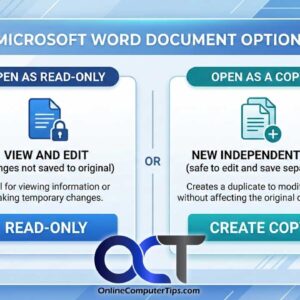
As you may know, in Windows you can copy files from one location to another, giving you multiple copies of the same file. There can be many reasons to do this such… Read More
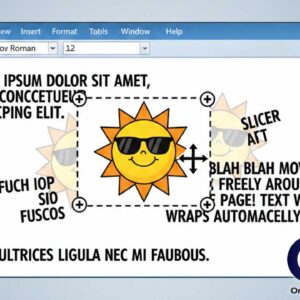
Microsoft word allows you to place clipart and photographs into your documents to add extra touches to your document or to help get your point across. Images placed into Word documents are… Read More
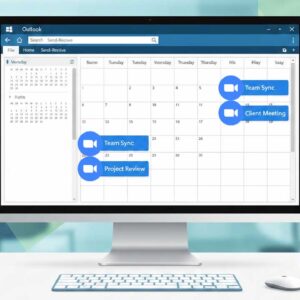
Easily schedule your Zoom meetings via your Outlook calendar In these increased days of working from home or telecommuting you have most likely had a few or many Zoom meetings for work… Read More
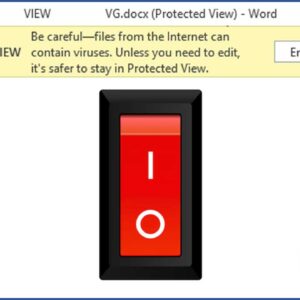
Office has some new security features built in that are supposed to keep your computer safe from malicious Office documents that you may open on your computer. One of these security features… Read More