
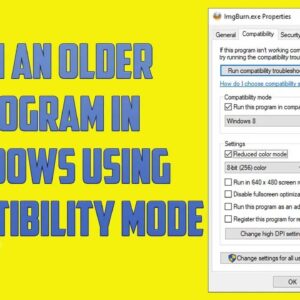
As Microsoft comes out with new versions of Windows and you replace your computer or upgrade your version of Windows you will most likely still need to run your older software. This… Read More

Screenshots or screen captures are an effective way to take a picture of what is on your screen and save it as an image file or paste it into another program such… Read More
Windows comes with many tools and utilities to do a variety of things such as performing backups, defragmenting your hard drive, changing your default programs, adding printers and so on. If you… Read More
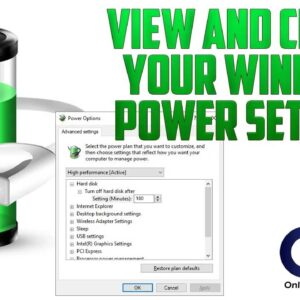
Power options in Windows are used to control how your computer manages its power settings for resources such as shutting down the monitor or hard drives as well as things such as… Read More
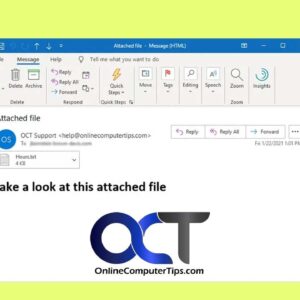
You may have noticed or been aggravated by the fact that Outlook won’t allow you to open or save certain types of file attachments from your email. You may see a message… Read More
Most computer users and music lovers like to burn their own custom music CDs from their MP3 collection stored on their computer. Many people buy third party software to do this but… Read More

The System Restore feature of Windows is used to return your computer to an earlier saved state without loosing any data files if you have system problems or other failures with your… Read More

In today’s age of viruses, malware and security breaches you may want to be able to protect your Office documents from people who shouldn’t be looking at them. Many people keep confidential… Read More

Microsoft is continuously releasing patches and updates for Windows, Office and other products that they sell. Most people use Automatic Updates to download and install these updates and simply let their computer… Read More
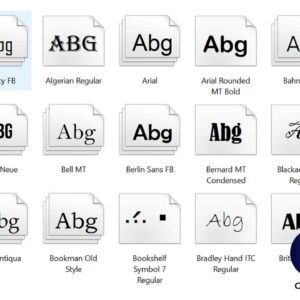
Fonts, sometimes called typestyles are used to change the way a character looks on the page in your documents or web pages etc. Windows comes with its own set of fonts and… Read More