
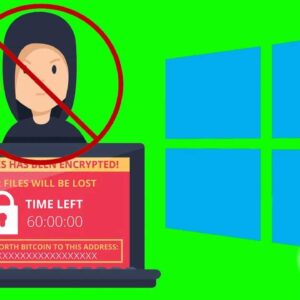
Don’t let your files be held for ransom! With the internet expanding at a rapid rate, comes the fact that that the number of online threats is expanding as well. Its hard… Read More
Microsoft uses default open and save options for its Office programs just like they use default fonts and styles for their Office documents. For most people this is ok and they will… Read More

Get rid of those pesky backgrounds in your images **Note** – If you do not have Paint 3D installed on your computer, here is a way to add it back to Windows.… Read More
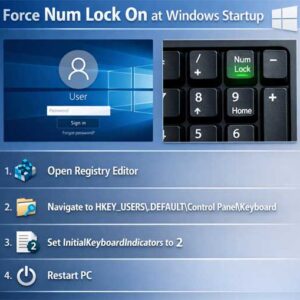
The number keypad is the set of numbered keys one the right side of the keyboard. Most laptops won’t have these keys unless it’s a larger format laptop with room for them.… Read More
Record your screen with no additional software to install There are so many things that the browser can do now. In many cases, it even replaces the software, and even the browser… Read More

Most of us leave our computers running 24 hours a day without giving it a second thought. When we do that, things can start to slow down thanks to your memory (RAM)… Read More
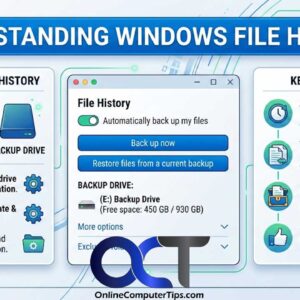
If you are like many people you do not make it a point to do regular backups of your files or your computer itself. It may be a case of it being… Read More
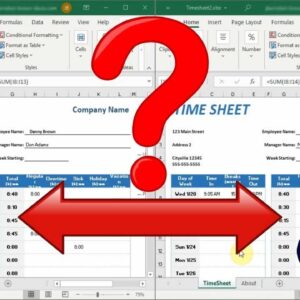
Compare the differences between 2 spreadsheets If you work with a lot of Microsoft Excel spreadsheets, you might run into a situation where you have two versions of the same file. This… Read More

Everyone at some point or another has deleted a file or files that they didn’t mean to delete. Most of the time you can just go to the Recycle Bin and restore… Read More
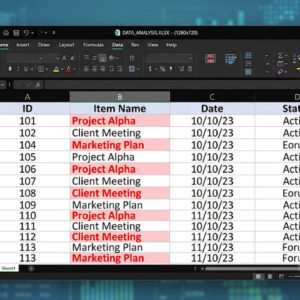
Managing large spreadsheets is difficult enough without worrying about hidden duplicates skewing your totals and analysis. Manually reviewing thousands of rows is inefficient and highly prone to human error. Fortunately, Excel provides… Read More