
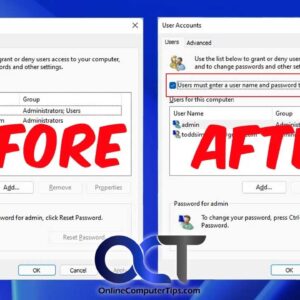
You may have not known this, but Windows will allow you to log into your computer without having to type in your password. Keep in mind that this doesn’t mean you don’t… Read More
You probably know that PDF (Portable Document Format) files are very common these days and are often used because you can open them on almost any device including Windows, Macs and even… Read More
When you are working with certain applications or programs in Windows and save your work, your computer will save your files to various default storage locations depending on what program you are… Read More
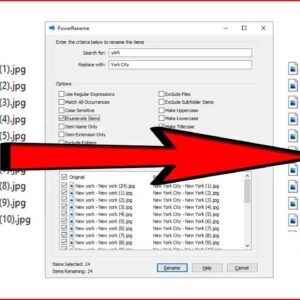
When it comes to Windows file management, there are usually several ways to get the same task done. For example, copying a file from one folder to another or searching for a… Read More

Sending and receiving email is a fairly straightforward process and for the most part all of your incoming email will be sent directly to your inbox unless your email provider or your… Read More
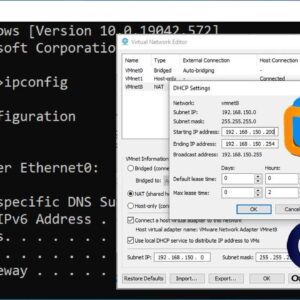
When you boot up a VM within VMware Workstation, it will automatically be assigned an IP address unless you have configured that virtual machine to have a statically assigned IP address. Computers… Read More

We all store files of various types on our computers such as pictures, documents, music files and so on. Plus the software and apps we have installed on our computers have their… Read More
Need to share your PC’s internet connection with a smartphone, tablet, or another laptop? Whether you are stuck in a hotel with a wired ethernet connection or just want to share your… Read More

You may or may not know that the Microsoft Edge web browser comes installed with Windows and is set to be the default browser automatically which makes sense since it’s the only… Read More
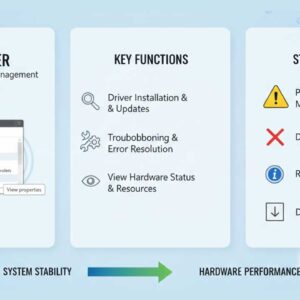
Troubleshooting computer issues can be very difficult especially when you don’t know where to look for things like error logs and configuration problems. There will be times when your computer has an… Read More