
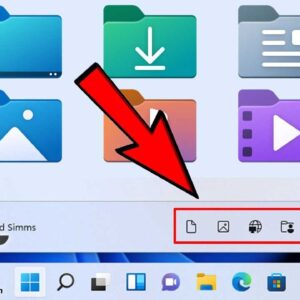
One nice feature that Microsoft added to Windows 11 is the ability to add commonly accessed folders and other items right to the Start Menu so you don’t need to have a… Read More
Virtualization is all about being able to run multiple computers with varying operating systems and software configurations. This way you can test various things without worrying about causing your main computer any… Read More
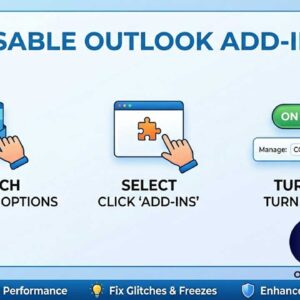
Disable those faulty Outlook add-ins that cause slow startup and crashes Microsoft Outlook has been the premiere email program for many years now and with every edition comes more improvements and added… Read More
Most people enjoy working with applications that fill the entire screen because it makes everything easier to see and helps reduce distractions. When a program is already running you can simply click… Read More
VirtualBox is Oracle’s free desktop virtualization platform that you can run on your Windows PC and create your own virtual machines for purposes such as testing new operating systems and software etc.… Read More

**Update – If you are running Windows 11 25H2 or higher, there is no longer an Email & accounts section or the Mail app, so you need to do it right from… Read More
I’m sure you may have noticed that with most default Windows installations or when you buy a computer with Windows already installed that there are sound effects for just about everything you… Read More
One of the best things about virtualization software such as VMware, Hyper-V, VirtualBox, Parallels etc. is that you can create virtual machines to test out new operating systems and software without needing… Read More
Find out how much information Microsoft is gathering from you If you are just your average computer user you might not know too much about how so much we do on our… Read More

Anyone who has been using a Windows based computer for some time knows that its possible to change the desktop wallpaper background that is displayed behind your icons on your computer. You… Read More