
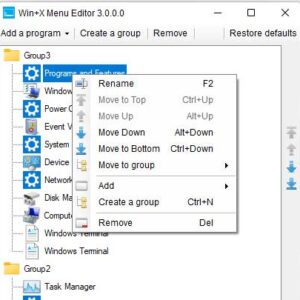
If you consider yourself a Windows power user, then you probably know about many of the not so obvious features that are included in Windows that allow you to perform the same… Read More
Have you ever tried to close a program or delete a file only to be told that it can’t be done because a file is in use? Many programs or processes put… Read More
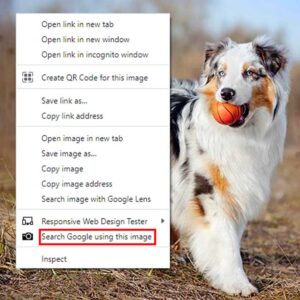
If you are a Google Chrome user and like to look for other versions of pictures you find on websites, then you have most likely used the right click “Search Google for… Read More
Don’t you hate it when you take that perfect picture of someone and it gets ruined by the dreaded red eye showing up in the picture? This can be caused by the… Read More
Having documents signed with a legally binding signature can be a lot of work if you need to have a professional service do the work for you or if you need to… Read More
These days, cloud storage services such as Dropbox, OneDrive and Google Drive do much more than just store your files so you can access them from anywhere you have an internet connection.… Read More
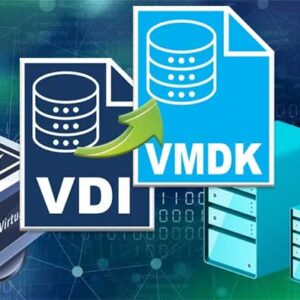
If you have spent any time using virtualization software, then you know that there are several vendors to choose from. These include VMware, Oracle VirtualBox and Microsoft Hyper-V. You can actually run… Read More
As Windows progresses with newer versions, Microsoft tends to add and remove features in an effort to keep the operating system feeling fresh and modern. However, for many long-time Windows power users,… Read More
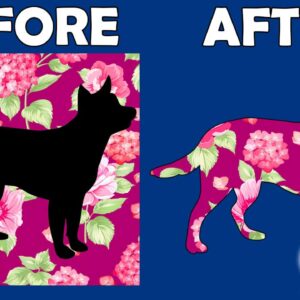
If you are into photo editing and want some affordable software that is easy to use yet powerful enough to create professional looking results, then Adobe Photoshop Elements might be the program… Read More

As you most likely know, Zoom is one of the most popular online meeting platforms in use today with millions of people using it to hold work meetings as well as things… Read More