
Google’s Gmail application is one of the most popular email services in use today. It’s used across the world by millions of people for personal and business email accounts. You can use… Read More
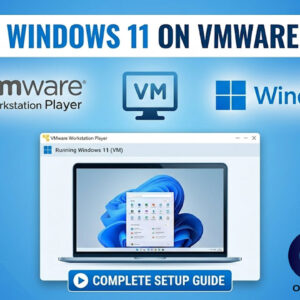
Creating virtual machines using Virtualization software is a great way to do things such as test new software, learn a new operating system, run legacy software applications, test Windows patches and so… Read More
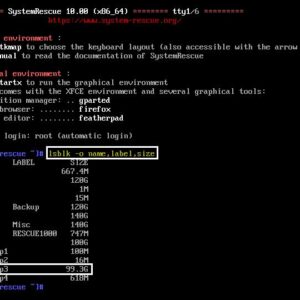
If you are the type who likes to keep their computer running in tip top shape, then you might occasionally check the optimization status of your hard drives. With newer versions of… Read More
Using virtualization to create virtual machines is a great way to do things such as test software, learn a new operating system or even run legacy applications that wont run on your… Read More
There are many reasons to clone your Windows or OS hard drive to another drive. You may be running out of space and would rather migrate your system drive to a larger… Read More
In order to be able to perform any task on your Windows computer, you will need to either log in with an account that has administrator access or know the credentials to… Read More

You may have noticed as applications are getting updated that the classic drop down menus are being replaced with toolbars, ribbons and other icons. In many cases, you will need to open… Read More

As you probably know, Microsoft Word allows you to place images in your documents so they do not to be only text based. Once you start adding pictures to your documents, you… Read More

Most people these days have one or more email accounts and access them either through an email client such as Microsoft Outlook or the newer Outlook for Windows app. You may also… Read More
If you have ever installed Windows, you know that Microsoft requires you to use and existing or new Microsoft account to login with during the Windows installation process. But many people would… Read More