
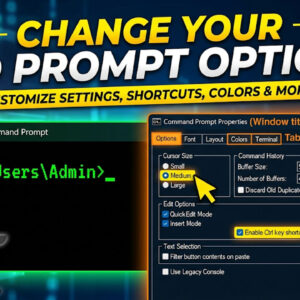
The Windows command prompt is used to do things such as run programs, change system settings, get system information and run commands to perform various administrative tasks. One example of a commonly… Read More
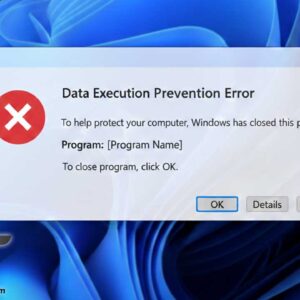
When you run a program in Microsoft Windows you may receive an error message that is similar to the following: Data Execution Prevention – Microsoft Windows To help protect your computer, Windows… Read More
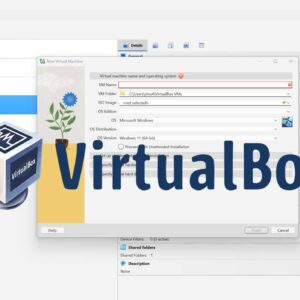
If you have been working in the field of IT even for a short period of time I am sure you have heard the term virtualization and most likely know what it… Read More
Anyone who has used a Windows computer has run into a situation where they receive an error message. Some of them are obvious but others might be hard to understand. Here are… Read More
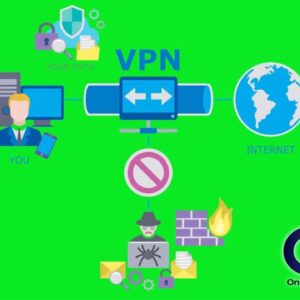
In today’s fast paced mobile society everyone is connected to everything at all times with their laptops, tablets and smartphones. It’s almost like if you aren’t “connected” 24/7 you are doing something… Read More
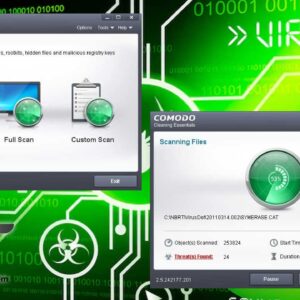
When it comes to the never ending battle against security breaches and spyware infections you can never have enough protection. There are many security spyware scanners out there but the thing to… Read More
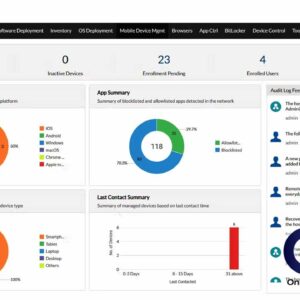
As computers and networks get larger and more complex the need to be able to remotely manage systems becomes more important. And with this growing importance comes an ever growing amount of… Read More

Get those gridlines back in your Microsoft Project files If you are a Microsoft Project user and like to have grid lines on your sheet to the left of your Gantt chart… Read More
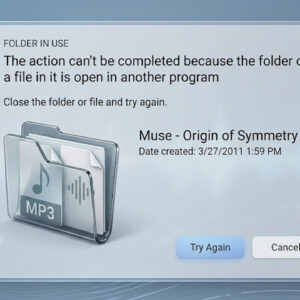
Computers are always renaming, moving and deleting files and most of the time the process goes pretty smoothly. But sometimes there are reasons why you can’t do this, for example if you… Read More
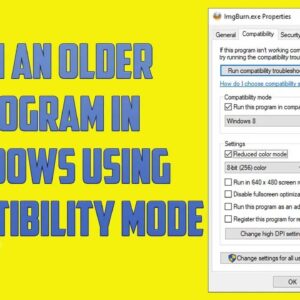
As Microsoft comes out with new versions of Windows and you replace your computer or upgrade your version of Windows you will most likely still need to run your older software. This… Read More