
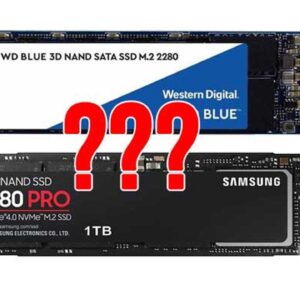
Not too long ago, choosing a hard drive for your computer was a relatively easy task because we didn’t have too many choices and all we really needed to consider was how… Read More
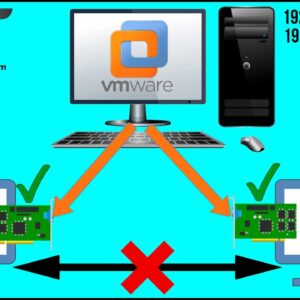
If you in charge of your virtualization platform at work or maybe even use some of the available desktop virtualization software that is available for you to use at home, then you… Read More
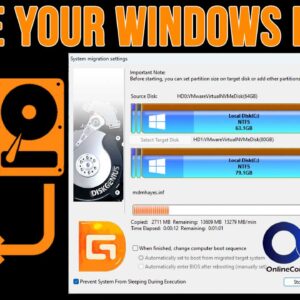
As you probably know, we use hard drives in computers to store our files, install our programs on and also to run our operating system (Windows, Linux, macOS etc.). But sometimes we… Read More

Gmail is one of the most popular email services in use around the world. It’s provided by Google and is one of their many free Google Apps that you use on your… Read More
In today’s digital landscape, where the internet serves as both a lifeline and a potential threat vector, protecting your computer from malicious attacks is paramount. One of the primary defenses your computer… Read More

The software development landscape is constantly evolving with new technologies, tools, and practices transforming how applications are built and delivered. Understanding the latest trends is key for developers looking to expand their… Read More
If you have been using email, or even the internet for even a short amount of time, you know how dangerous of a place it can be. There are malicious websites out… Read More

We all know how Microsoft likes to change things around, especially when they come out with a new version of Windows. Even though many of the apps from the previous version of… Read More
If you use a shared computer and have other users on that computer who do not have administrative rights, they might find themselves needing to run certain programs or Windows tools that… Read More
**Check out our updated video here.** If you are a Microsoft OneDrive user and happen to use the OneDrive desktop client software on your computer, then you might have noticed that OneDrive… Read More