
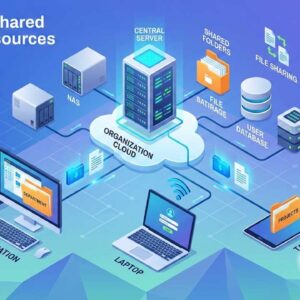
Check out this updated article on how to connect to shared files and folders on the network. Shares are used to share information over a network between computers and other networked devices.… Read More
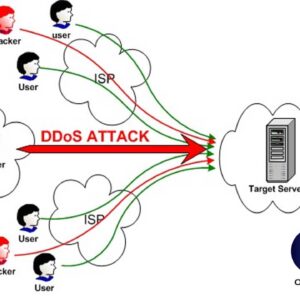
Every year new types of DDoS attacks are identified. As with all internet security threats, DDoS (Distributed Denial of Service) attacks continually evolve and certain methods become more popular than others. There… Read More
Backups are an essential task that everyone needs to do in order to prevent yourself from losing valuable information and files on your computer. Many people will backup their files onto something… Read More
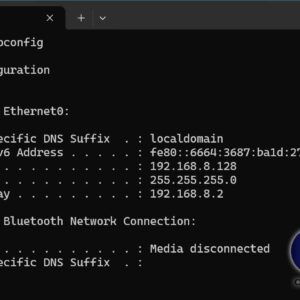
IP addresses are used with TCP/IP networks to allow communication between different networked devices such as computers and printers. It’s also required to be able to communicate on the Internet. Each device… Read More
Many people use wireless routers at home these days to get their internet connection on portable devices like laptops so they don’t have to be plugged in with a cable into their… Read More
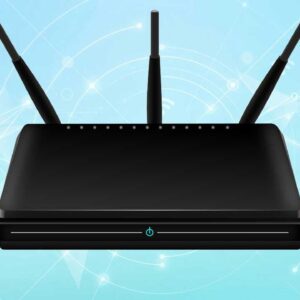
With today’s high speed internet access its imperative that you protect yourself from the outside world. One of the best ways to do this is to install a broadband router or firewall… Read More

USB (Universal Serial Bus) is a type of cable and port used to connect external peripheral devices to a computer to transfer data as well as sometimes power these devices. It uses… Read More
Since broadband offers instant access to email, work, video chats and online data storage sites, people are becoming increasingly reliant on its presence in their lives. As a result, it can be… Read More
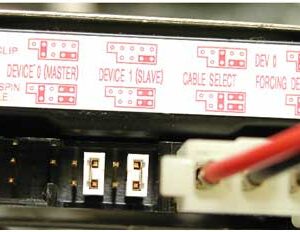
Hard drives are the component of your computer that stores your files as well as what your operating system is installed on. If you didn’t use a hard drive you would not… Read More
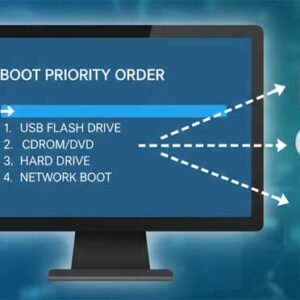
Computers have a set boot order that tells them which hardware device to boot off of first. You can boot from devices such as a hard drive, CD or DVD drive, floppy… Read More