
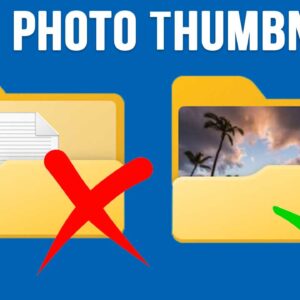
As you probably know, Windows comes with a default system folder called Pictures that is exclusively used to store your photos. You absolutely do not have to use the folder for your… Read More
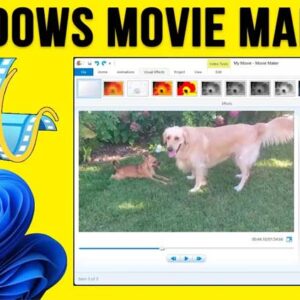
With everyone having a video camera in their pockets (aka a smartphone), it makes sense that many people now consider themselves amateur video producers and photo editors. Some people like to edit… Read More
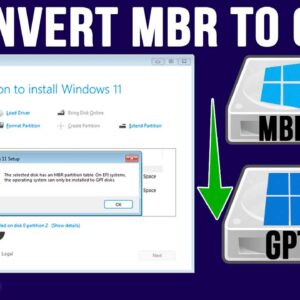
If you have finally decided to take the plunge and switch from Windows 10 to Windows 11, you need to first make sure your computer is ready to run Windows 11. Microsoft… Read More

As more and more of our lives are being stored on things such as our computers and smartphones, it makes sense that you would want to make sure that your data is… Read More
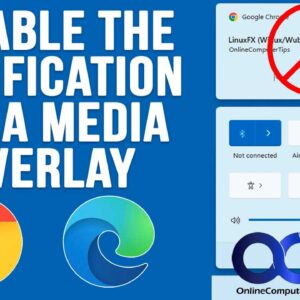
You may have noticed that Microsoft is always making changes to their operating system. If you are still on Windows 10, then things have remained the same for some time. But if… Read More
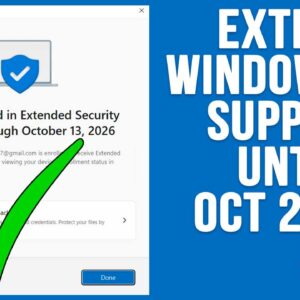
**Update – If you want to see the status of the ESU availability on your computer, check out this video. And if you want a quick way to enroll your computer in… Read More
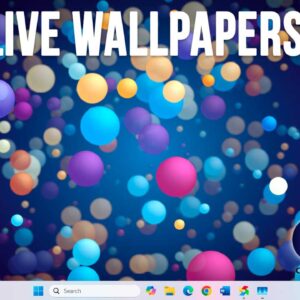
Whether you have built your own PC or bought one from the store with Windows preinstalled, one of the first things people like to do is customize their desktop wallpaper. Even though… Read More
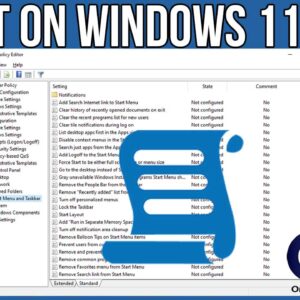
If you consider yourself a Windows power user, then you are most likely used to tweaking the way Windows functions and even how it looks. Depending on your version of Windows, you… Read More
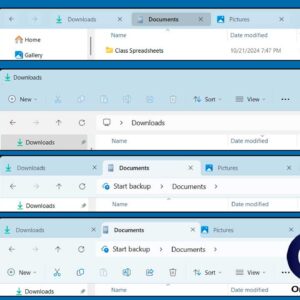
If you have been using Windows 11 for any amount of time and have come from a computer running Windows 10, then you have most likely noticed that you cannot customize or… Read More
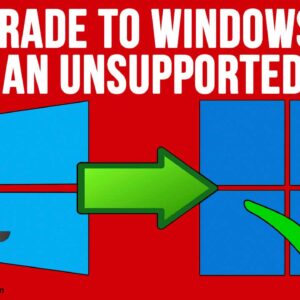
**Update – If you want to stay on Windows 10 past the October 2025 end of support date, Microsoft is now offering you three ways to extend your Windows 10 support until… Read More