
If you are responsible for maintaining shared computers or computers on your work network, you may have the need to block a program from being opened or accessing the internet for security… Read More
If you are a Windows power user, then you most likely pay attention to how fast your computer boots up and how long it takes to log in. And when things start… Read More
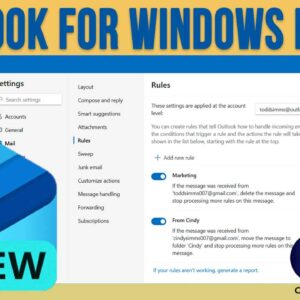
The Microsoft Outlook for Windows app is the replacement for the Windows Mail app that has been part of Windows for many years. Microsoft decided to make the built in mail app… Read More

Computer security and privacy are a hot topic lately thanks to all the cybercrime going on out there on the dangerous internet. These threats also apply to our personal computers and the… Read More
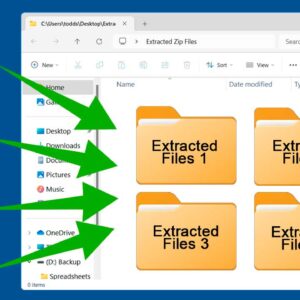
Zip files have been around almost as long as Microsoft Windows itself. They are mainly used to combine multiple files (and folders) into a single file. They are also used to compress… Read More

VMware is one of the most popular virtualization platforms in use today. They have everything from enterprise level hypervisors to the free VMware Player app that anyone can use to create a… Read More

Internet security is a hot topic and even more so recently thanks to the increased levels of cyber attacks. Most people have a least one email account and many of us have… Read More

Efficiency isn’t just about working faster; it’s about reducing the “friction” between your ideas and the screen. Whether you’re working from home or in a busy office, mastering a few modern Windows… Read More

You may not have known that you can add comments to folders in File Explorer so that way when you view these folders you can see these comments next to them. Many… Read More
Here is an updated video on how to enable the Chrome side panel. https://www.youtube.com/watch?v=okgjFA8OB5o If you are a Google Chrome user, then you might get frustrated every so often when Google decides… Read More