
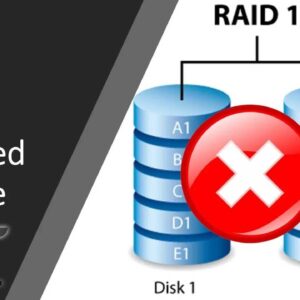
Data redundancy the cheap and easy way! RAID (Redundant Array of Independent Disks) has been around for many years and offers a way for us to have data redundancy by using multiple… Read More
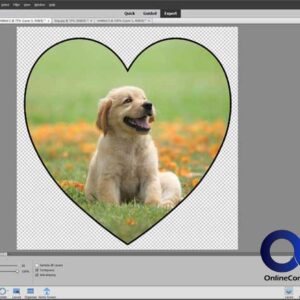
Photoshop Elements is the “easier to use” version of Adobe Photoshop Professional or Creative Cloud (CC) as its known. Photoshop Elements doesn’t have all the power features as the professional version does… Read More
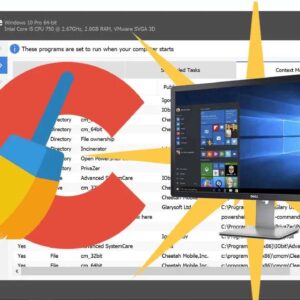
Keeping your computer maintained is an important part in making sure its always running at its best. Over time, temporary files and registry entries build up which can bog your computer down… Read More
Virtualization software such as VMware, Hyper-V and VirtualBox allow us to create multiple virtual machines (computers) that run on one physical computer so we can do things such as test operating systems… Read More

Use your computer as your phone! When Windows 10 was released, Microsoft was set on making it their best operating system ever by packing in so many features that the average… Read More
Overcome the VirtualBox 2TB Virtual Disk Limit! VirtualBox is Oracle’s free virtualization software that you can use on your home computer to create your own virtual machines (VMs) and run multiple computers… Read More
Instantly give your VMs more hard drive space! VirtualBox uses what they call Virtual Disk Images (VDI) as virtual hard drives for storage on their virtual machines and these virtual hard drives… Read More
If you use any type of virtualization software such as VirtualBox, VMware or Hyper-V then you know how often you have to copy files between your host computer and your guest virtual… Read More
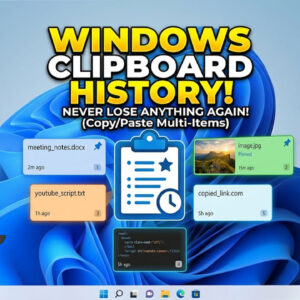
If you are like most people, you like to use the copy and paste feature in Windows to help you get your work done faster and keep your typing time to a… Read More
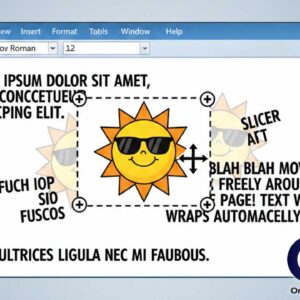
Microsoft word allows you to place clipart and photographs into your documents to add extra touches to your document or to help get your point across. Images placed into Word documents are… Read More