
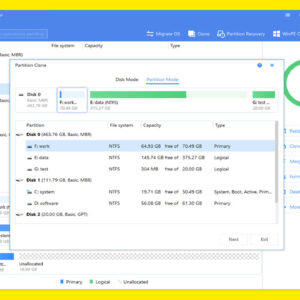
Partitioning of a hard drive is when you take a single physical hard drive and divide it into logical partitions or sections. For example if you have a 500GB hard drive you… Read More
I’m sure you have noticed when playing an MP3 on your MP3 player or computer that it knows the name of the song, band, and album and so on and displays that… Read More
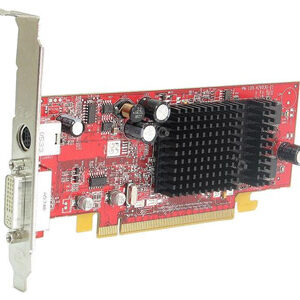
The video card is the hardware component in your computer that translates the video signal from your processor to your monitor. Without one you cannot see what is going on with your… Read More
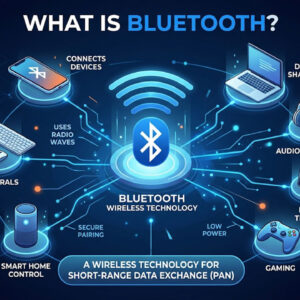
Bluetooth is a wireless communication standard designed for short‑range data and voice transmission between both mobile and stationary devices. It was originally developed by a collaboration of technology companies including Ericsson, Intel,… Read More
Everyone loves a faster way to do things in order to increase your productivity. Microsoft realized this when they added shortcut keys to Windows as well as their other software products. Most… Read More
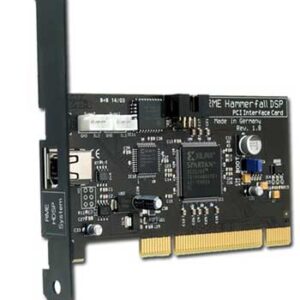
Computers consist of many parts or components that have various functions such as providing video or sound to your computer. Without these components you will not be able to do things like… Read More
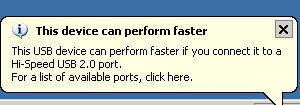
Turn off “This USB device can perform faster if you connect it to a High-Speed USB 2.0 port” message
USB ports are used to connect USB devices such as external hard drives, flash drives, printers, MP3 players and so on. There have been different versions of USB throughout the years with… Read More
Drive letters are used with Windows and other operating systems to keep track of different partitions and physical hard drives. A drive letter doesn’t have to be assigned to a whole different… Read More
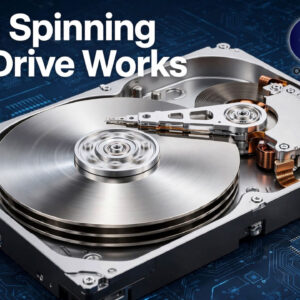
A hard drive is the component in your computer that stores information such as the computer’s operating system, programs and your files. They have been around for over 50 years. The very… Read More
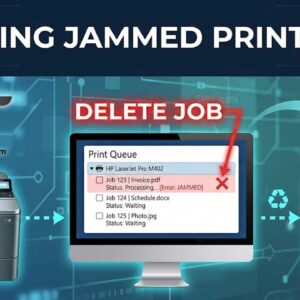
When you print a document or other type of file from within Windows you may have noticed that a small printer icon pops up by the clock in the system tray and… Read More