
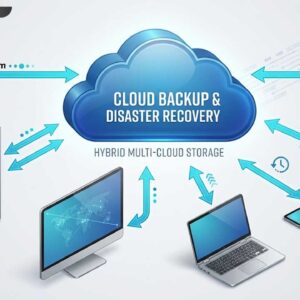
Backing up your data is one of the most important tasks to keep up with when it comes to computer use and maintenance. If you can’t get to your data then the… Read More
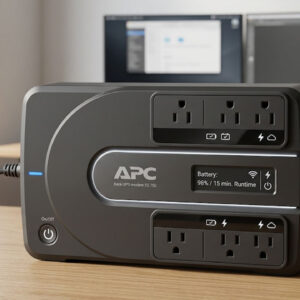
A surge suppressor or protector is a device used to prevent damage to electronic equipment from voltage spikes called transients. A surge suppressor prevents the peak AC voltage from going above a… Read More
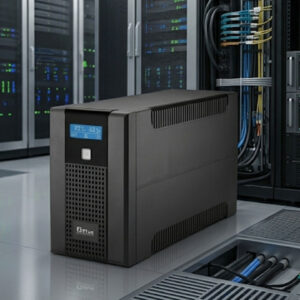
Everyone at some time or another has been affected by a blackout or a power surge and had their computer either shut off or crash because of either the power being lost… Read More
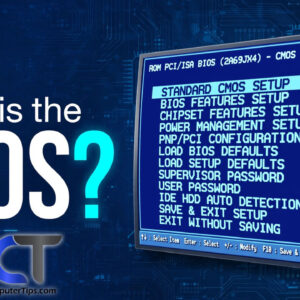
There is more to making a computer work than just installing an operating system such as Windows for example. There are settings and configurations that need to be done correctly on your… Read More
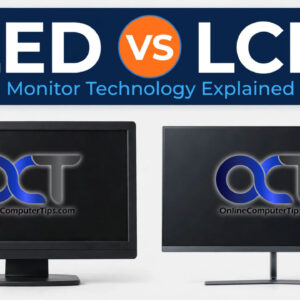
So it’s time to replace that old CRT monitor with a flat screen and now the question on your mind is which type of monitor should I get, an LCD (Liquid Crystal Display)… Read More
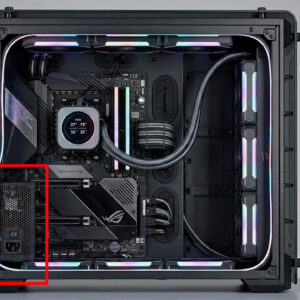
In order for your computer to turn on and run, it needs some sort of power being sent to its components. This is where the power supply comes into play. The power… Read More
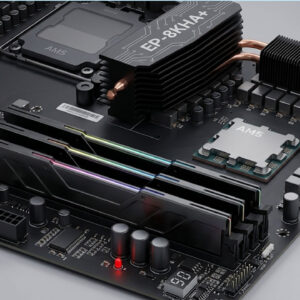
One of the easiest and most effective upgrades you can do to your PC is to install more RAM memory (random access memory). RAM is the memory your computer uses to store… Read More

USB (Universal Serial Bus) is a type of cable and port used to connect external peripheral devices to a computer to transfer data as well as power these devices. It uses a… Read More
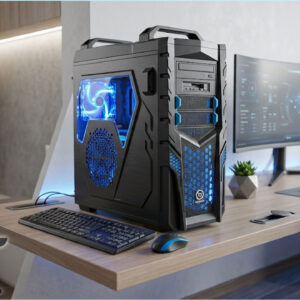
PC gaming is perhaps the most rewarding platform for gamers. Computers tailored specifically for gaming are able to produce stunning visuals and can provide much better graphics than consoles can. However, not… Read More
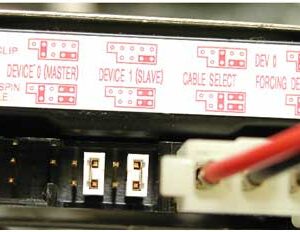
Hard drives are the component of your computer that stores your files as well as what your operating system is installed on. If you didn’t use a hard drive you would not… Read More