
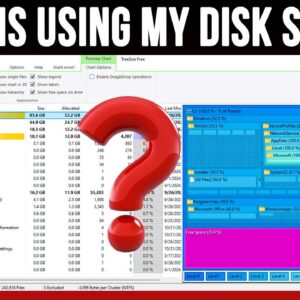
Even though today’s hard drives are larger than ever, we still need to compete with all the space our operating systems take up as well as our applications and personal files which… Read More
With hard drives getting larger and faster all the time, it makes sense that you might want to upgrade your drive to gain some additional performance from your computer. Or you may… Read More

Computer hardware issues are not too common unfortunately but when they do happen, they can be devastating or at least frustrating and expensive! Whether you bought your computer from a store or… Read More
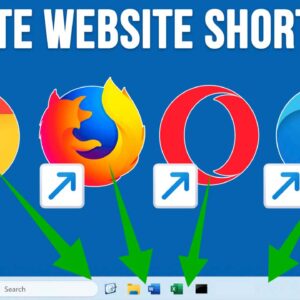
If you are a Microsoft Windows user or use any operating system for that matter, you are most likely using shortcuts that point to applications, folders and even files. Knowing how to… Read More
Microsoft Word is the most popular word processing program in use today. It has been around since 1983, which is two years before Microsoft Windows was released and has gone through some… Read More
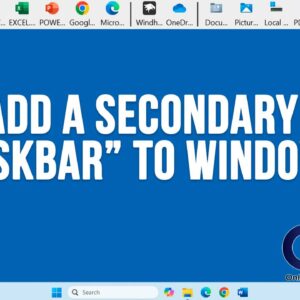
As you probably know, the Windows taskbar is used to store shortcuts for applications as well as the place where the start button and taskbar are located. And if you are using… Read More
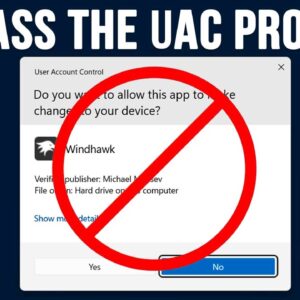
You have most likely noticed that when you try and run certain programs, you are prompted with what is known as a UAC prompt. UAC stands for User Account Control. It’s a… Read More
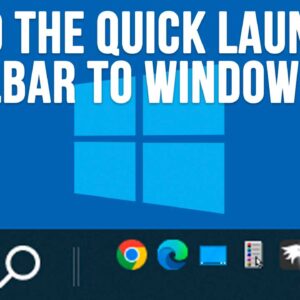
If you are still running Windows 10 and have not upgraded to Windows 11 yet, you may not be aware of how it is much more difficult tweaking or customizing things like… Read More
If you ask anyone what their biggest fear is when using a computer running Microsoft Windows, it would probably be the dreaded Blue Screen of Death (BSOD). A Blue Screen of Death… Read More
There has been a recent Windows 11 update that is wreaking havoc on a variety of SSD hard drives. Many people who install this update have lost data and are not dealing… Read More