
Make sure you choose the right version of Windows 2012 R2 Server for your business Windows Server 2012 is the replacement for Windows server 2008 and offers more features, better security and… Read More
There can be many reasons why your computer doesn’t want to boot up or takes an unreasonable amount of time to start up. It is impossible to figure out the cause without… Read More
So it’s time to replace that old CRT monitor with a flat screen and now the question on your mind is which type of monitor should I get, an LCD (Liquid Crystal… Read More
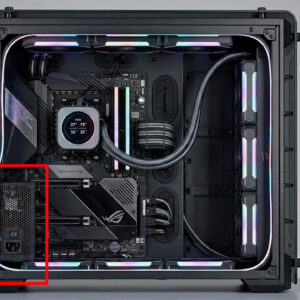
In order for your computer to turn on and run, it needs some sort of power being sent to its components. This is where the power supply comes into play. The power… Read More
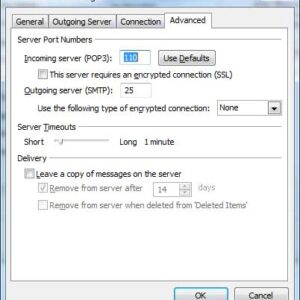
Many people use Microsoft Outlook as their email client to get their email from their ISP to their desktop. Even if you use a webmail account like Hotmail or Yahoo you can… Read More
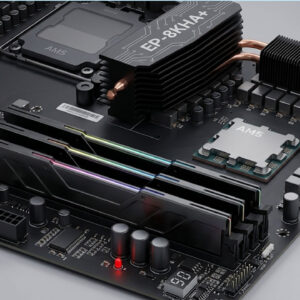
One of the easiest and most effective upgrades you can do to your PC is to install more RAM memory (random access memory). RAM is the memory your computer uses to store… Read More
The Windows Event Viewer is a handy built in Windows utility to diagnose problems with your computers and servers. The Event Viewer keeps a log of what is going on with your… Read More
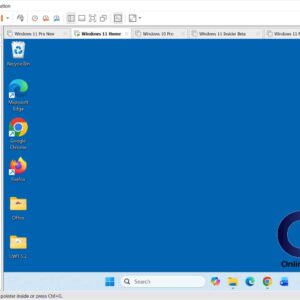
VMware Workstation works by mapping the physical hardware resources to the virtual machine’s resources using the virtualization layer. By doing this, the virtual machines have their own CPU, memory (RAM), disks, and… Read More
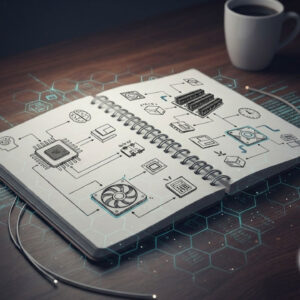
There are many types of hardware components that make up a computer. Without many of these components your computer simply wouldn’t work. Not all computers have all of these items since some… Read More
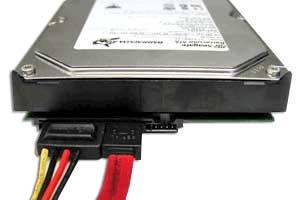
When it comes to hard drives for your computer, you have a few choices as to what type of drive to use. Some offer better performance than others but that usually comes… Read More